
Zones Management
Zones are abstraction layers that split the cluster into multiple management plains. Each Zone has its own workers, Search node and Gateway node, thereby supporting separation of concerns at the infrastructure layer.
NOTE
Zones and Realms are two distinct concepts that operate at different levels within the system. A Zone represents the organization of infrastructure components. It defines which Workers, Gateways and Search nodes can communicate with each other within a cluster segment. A Realm, in contrast, represents the User Space that provides logical separation of users, groups and their permissions.
Zone view
Click on the Zones to enter the section's view with table of zones.
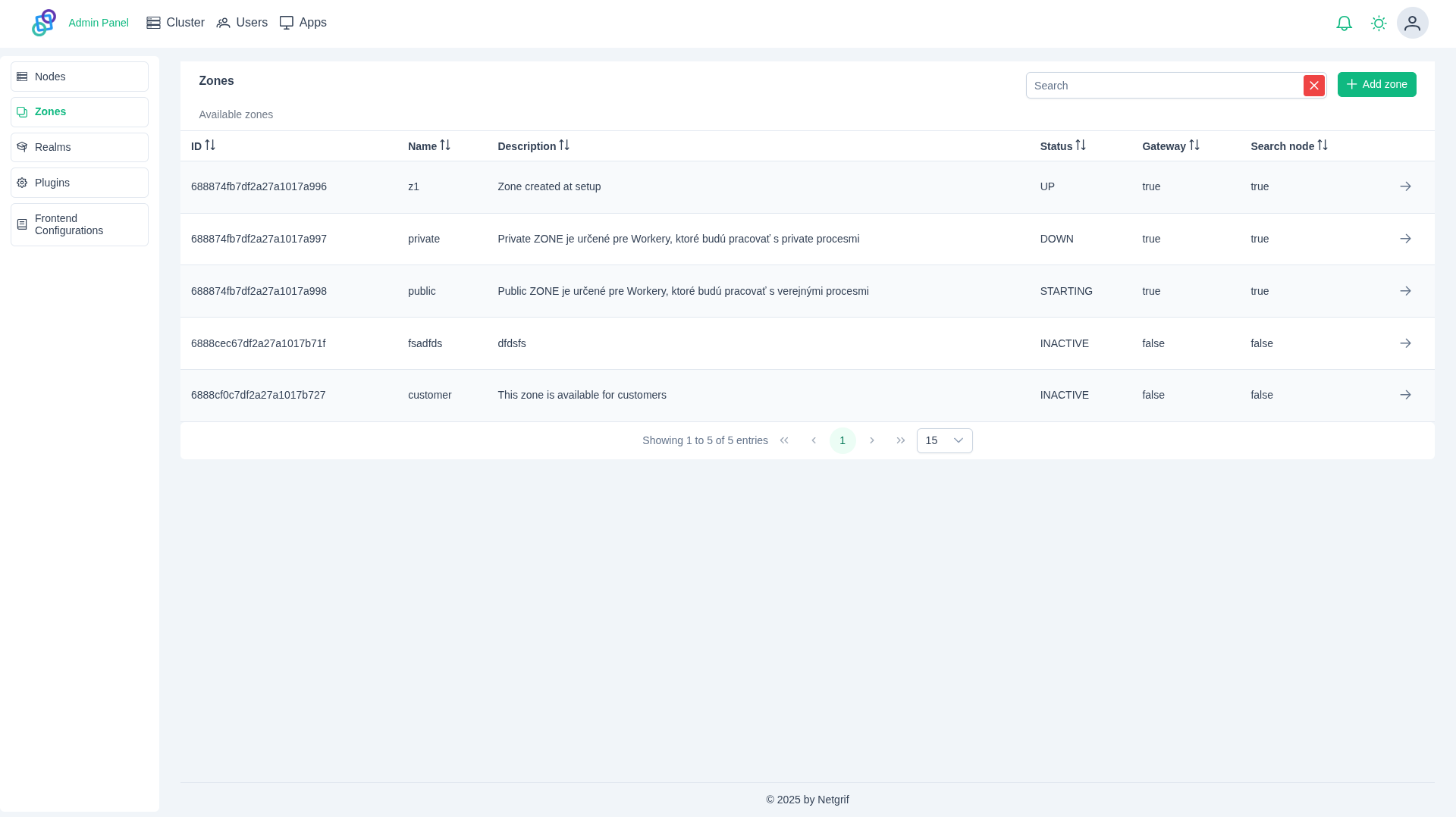
Each table entry contains:
- ID - Unique identifier of the zone
- Name - Display name of the zone
- Description - Optional description providing additional information about the zone
- Status - Current operational status of the zone:
STARTING- Zone is initializingUP- Zone is active and can receive new requestsDOWN- Zone is unavailableFULL- Zone cannot accept new worker NodeMAINTENANCE- Zone has disabled Gateway but is active for maintenanceERROR- Zone has an internal errorSTOPPED- Zone stopped temporarilyINACTIVE- Zone is created but has no Worker nodesDELETING- Zone is marked for deletionUNKNOWN- Zone is in unknown state
- Gateway - If the Gateway Node is up and running in this zone
- Search node - If the Search Node is up and running in this zone
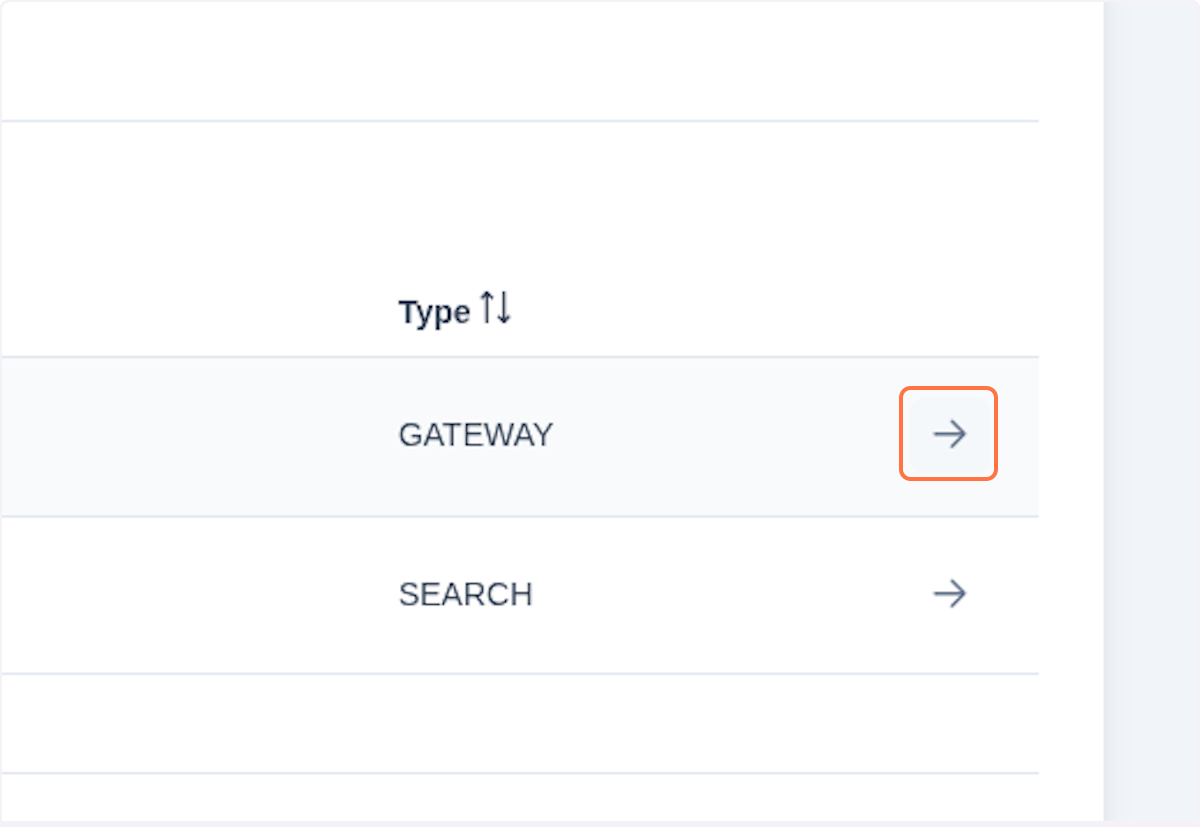
By clicking on in the table entry, you can view details of the currently selected Zone. The Zone detail view provides important information about the selected Zone's node infrastructure and its status.
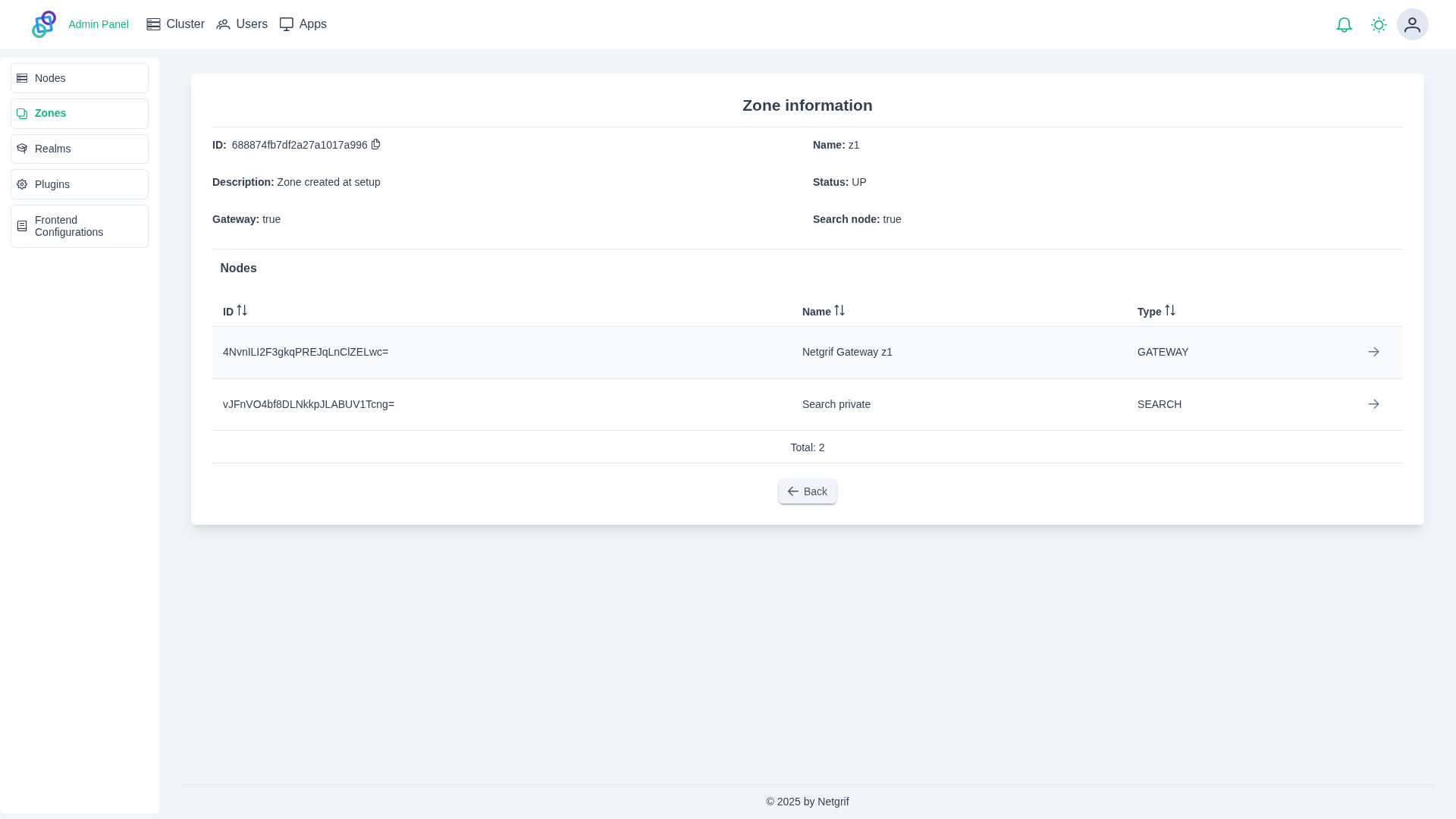
In the Nodes section, you can see your current Node list. By clicking on in the table entry, you'll be redirected to selected node view.
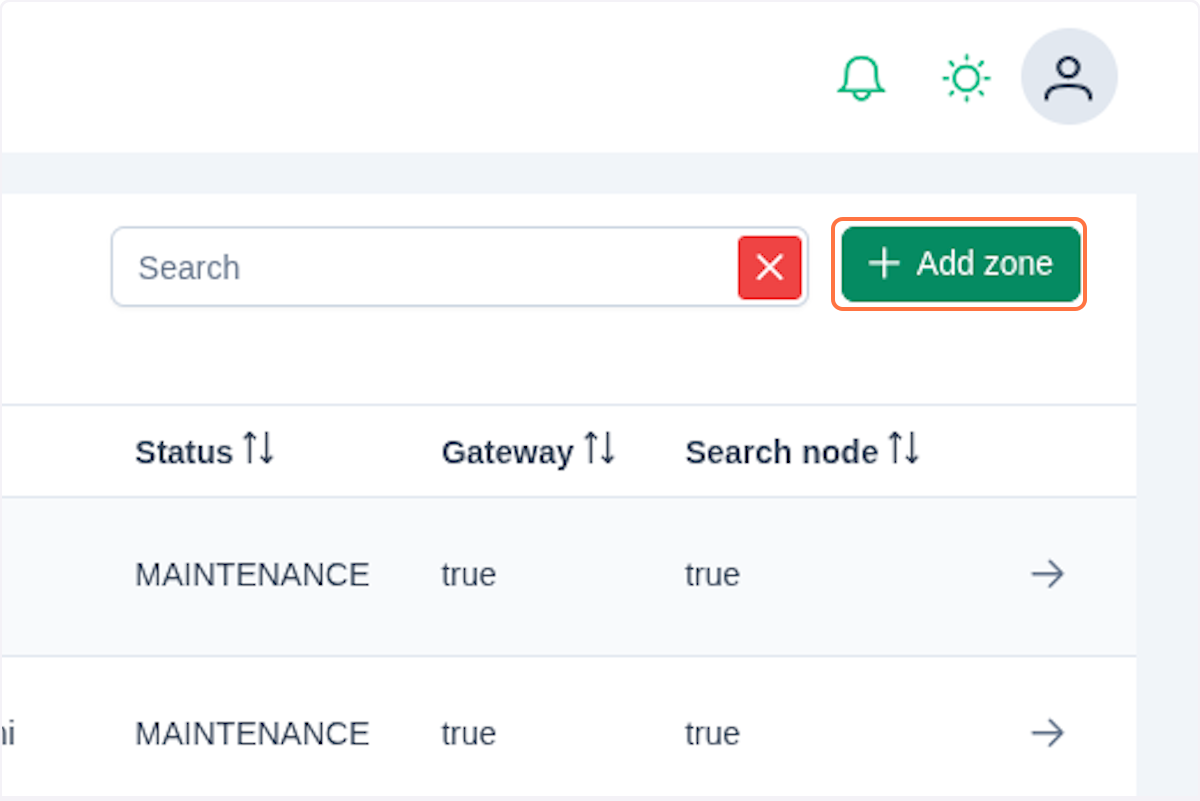
Create a new Zone
Start by clicking on Add zone.
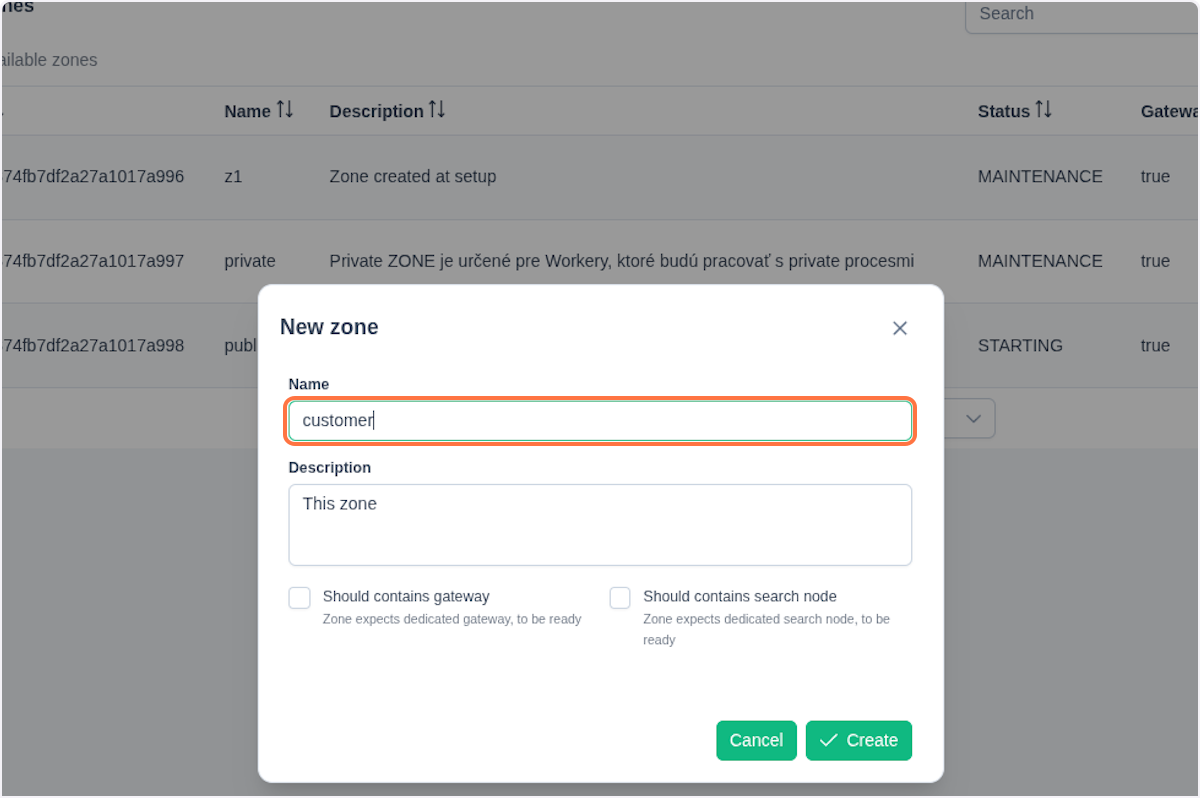
Fill the form in the dialog window:
- Name - Specific name for the zone
- Description - Purpose of the Zone
- Should contain gateway - Enabling of the gateway node health checks for the zone
- Should contain search node - Enabling of the search node health checks for the zone
IMPORTANT
Currently, the checkboxes in the Zone dialog window only inform the health checks that, for this zone to be considered healthy (UP), it must have running Gateway and Search nodes. These components need to be deployed separately and assigned to the zone.
You confirm the provided configuration by clicking on Create.
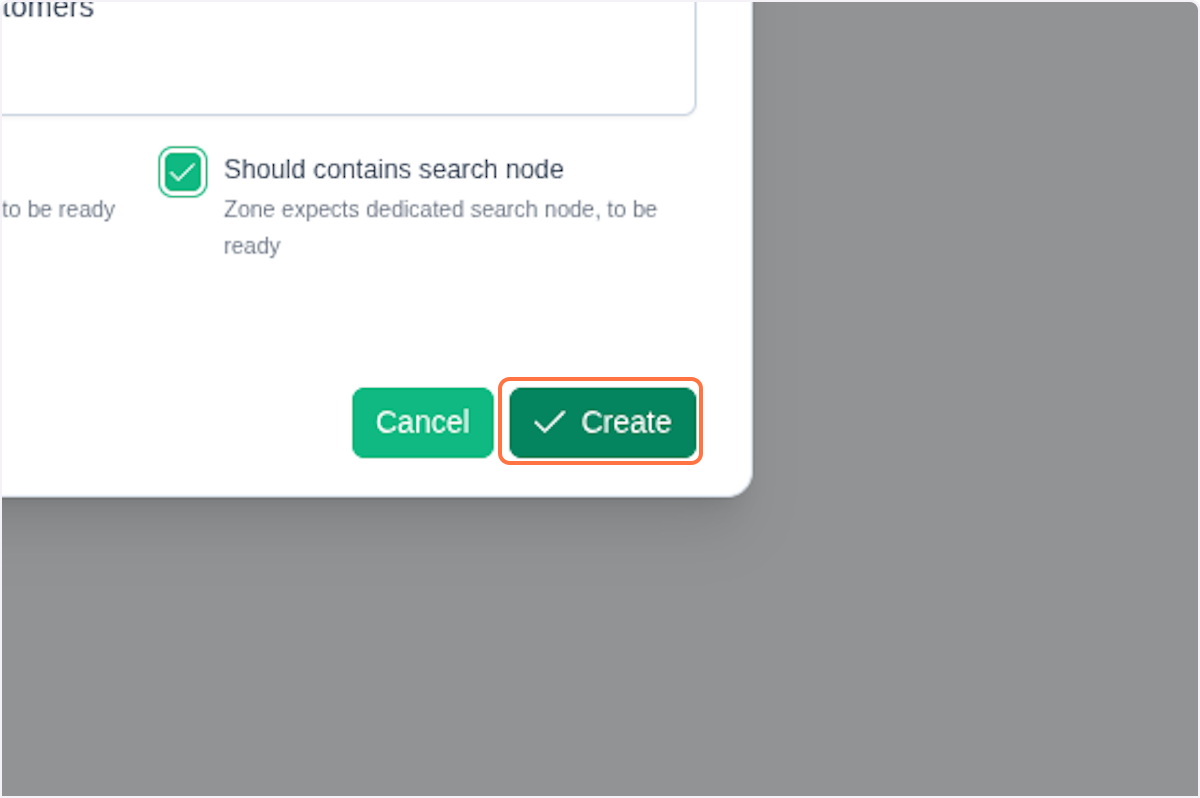
You can now see a newly created Zone in the table entry in the Zone view.