
Configurations
In the Admin Web Console, you can customize your deployments. This feature allows you to configure your Nodes' properties without manually modifying each new deployment. Currently, two types of configuration are supported: Frontend and Backend.
Backend Configuration
The Backend configuration leverages the Spring Cloud Config server. For a detailed description, refer to the Spring documentation.
In short, we create a key-value map of application properties. Any newly deployed node (whether it's a Plugin, Worker, Gateway, etc.) can load these properties from the external configuration server - in our case, the Admin Node.
“To change the location of Config Server either set
spring.cloud.config.urior add the url to thespring.config.importstatement such as,spring.config.import=optional:configserver:http://myhost:8888. The location in the import property has precedence over the uri property.”
- Spring Docs
For more customization, you need to add the following properties to the client Node (also based on the Spring documentation):
- application - maps to
spring.application.nameon the client side - profile - maps to
spring.profiles.activeon the client (comma-separated list) - label - server-side feature that labels a "versioned" set of config files
Configuration should look like this:
spring:
  application:
    name: foo
  profiles:
    active: dev,mysql
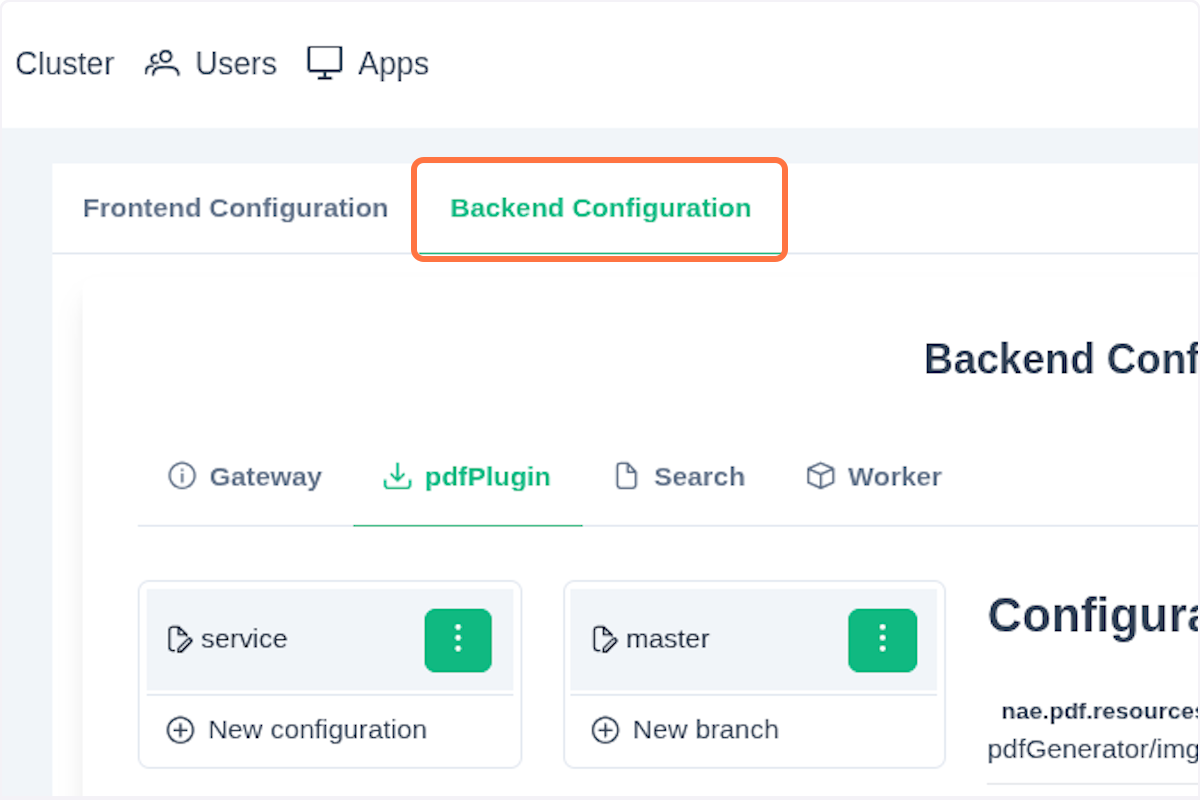
To add a new application property, click Configurations in the left menu, then click on the Backend Configuration tab on top of the card view.
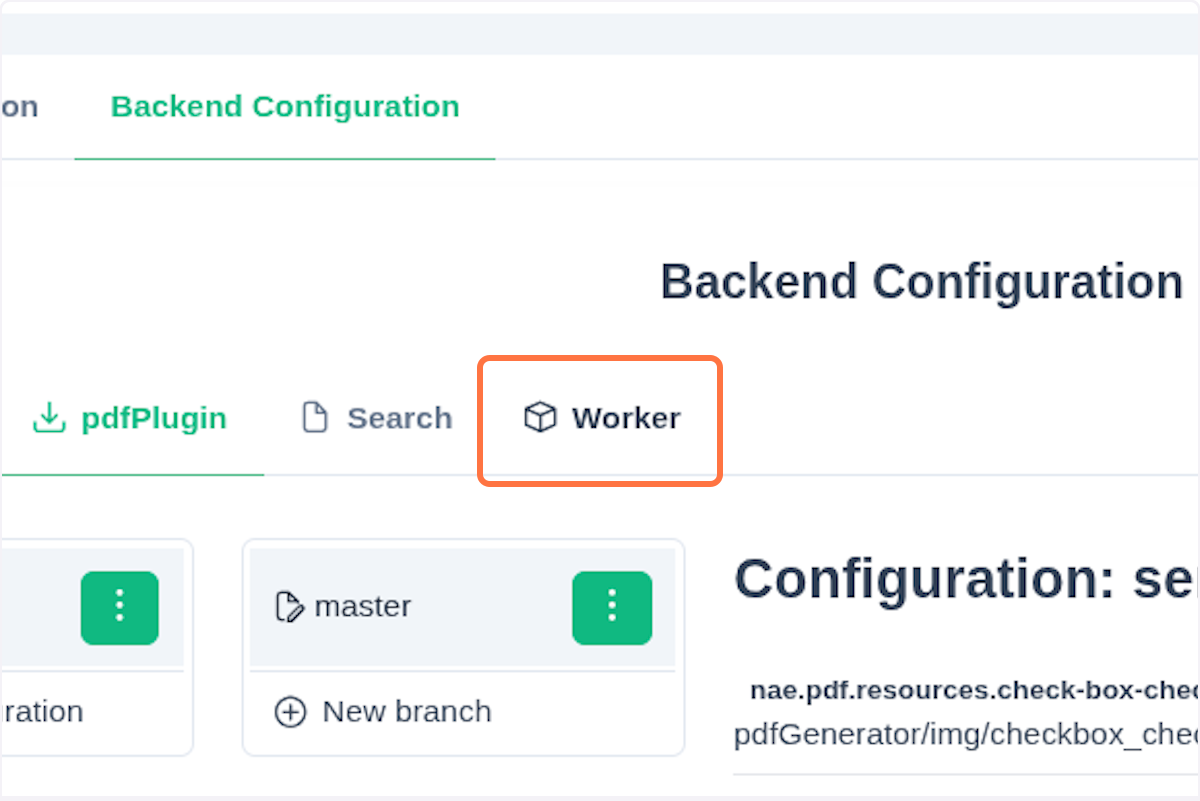
Now choose for which component (Node) you want to add or edit the property file, for example the Worker.
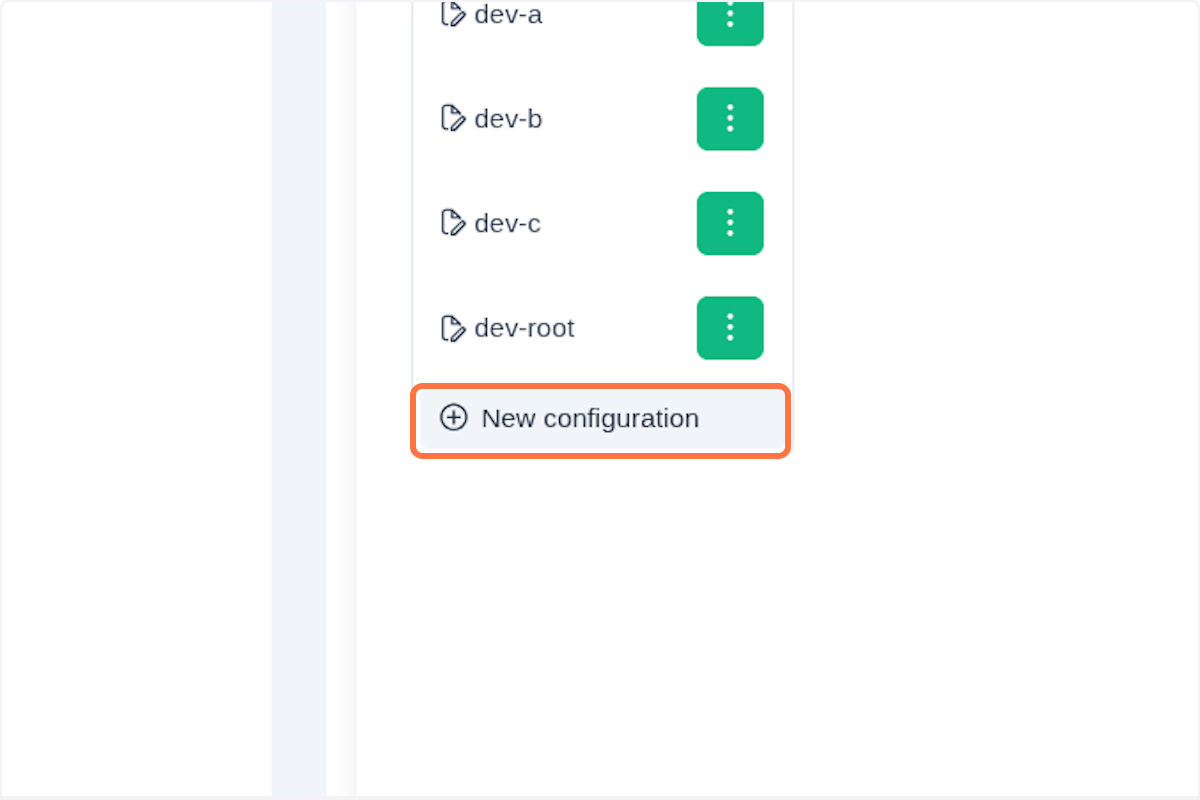
Click on New Configuration button.
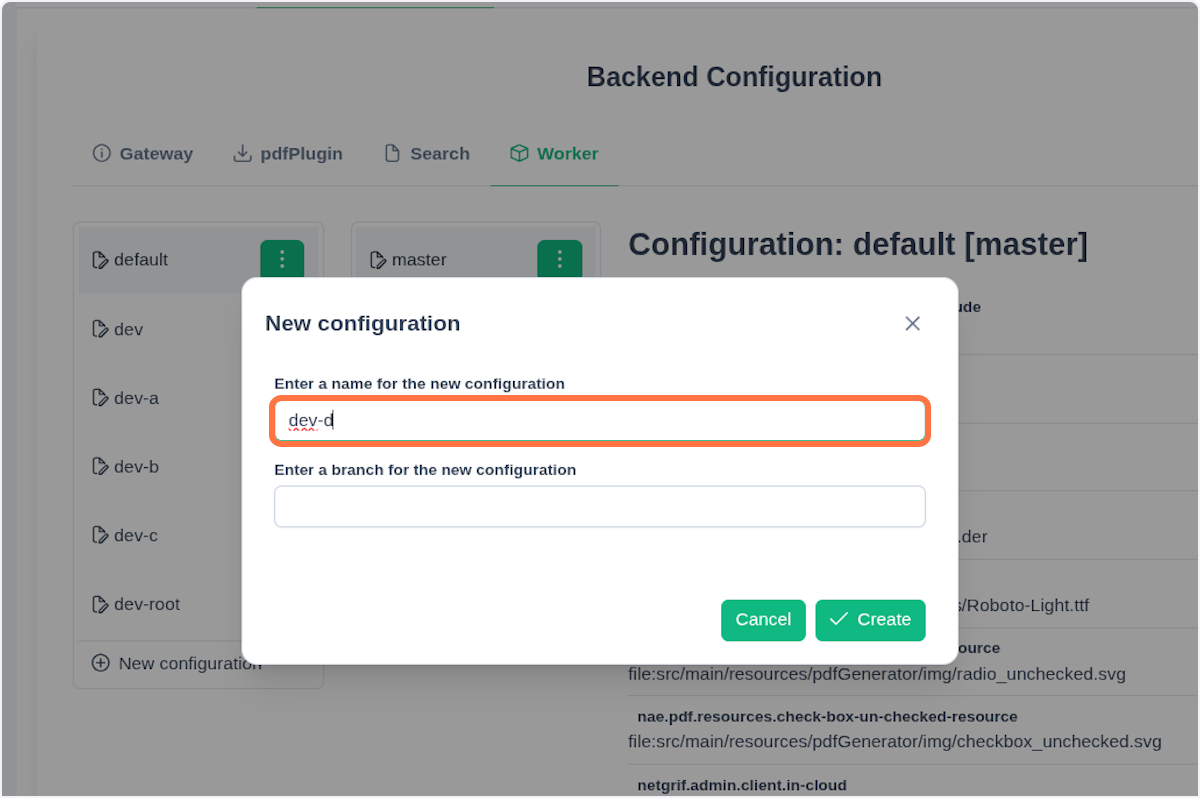
In the dialog window, fill out the following fields:
- Name - Name of the configuration (Spring profile)
- Branch - Version of the configuration, e.g.,
dev,prod, etc. (Spring configuration label)
Confirm the creation by clicking the Create button.
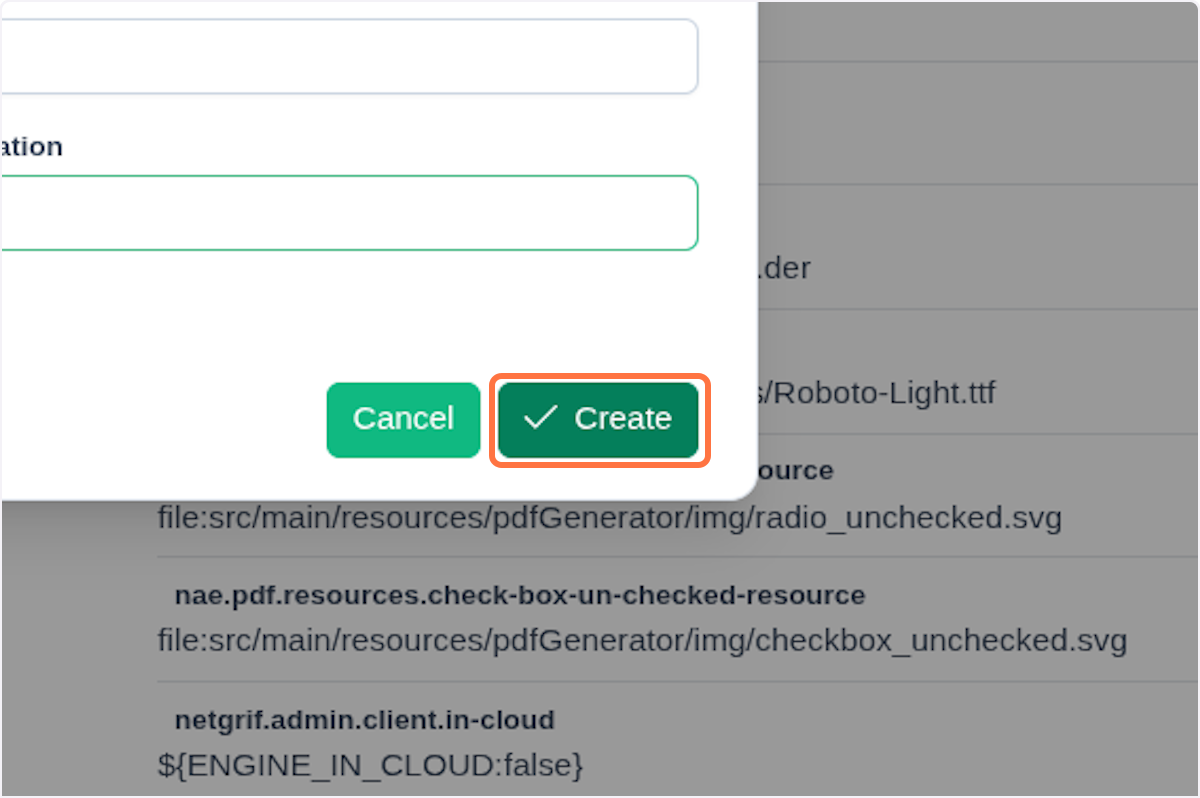
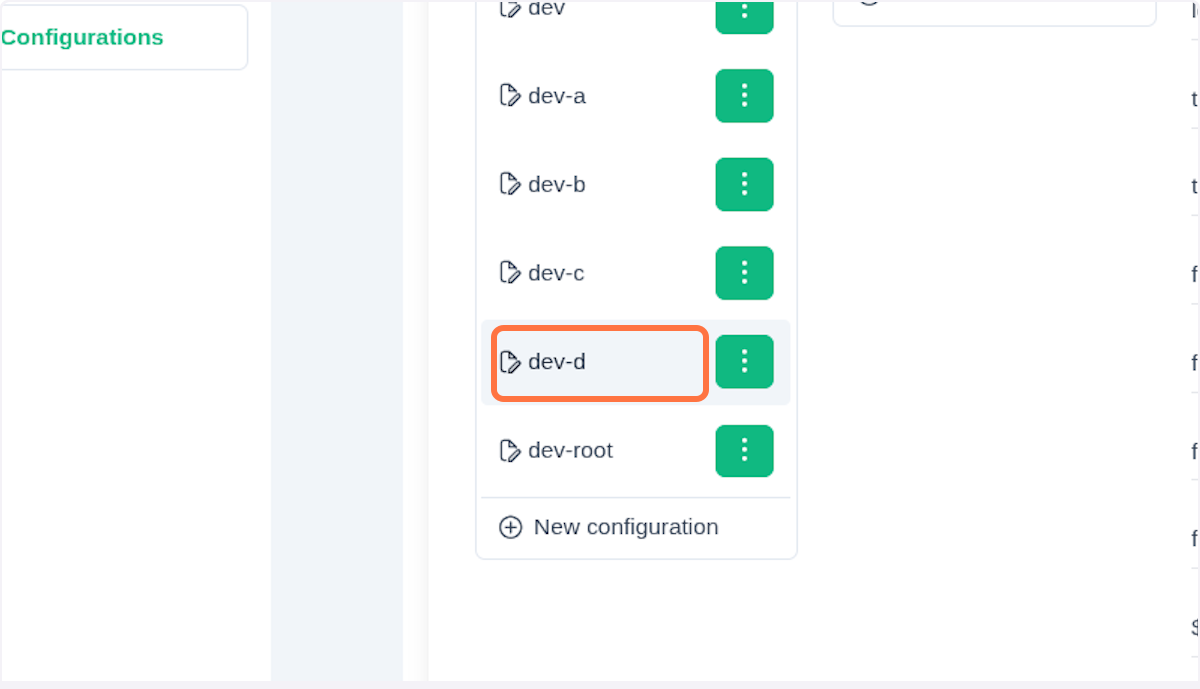
After the confirmation, you can see the newly created configuration as a new entry in the configurations list. Click on the new entry.
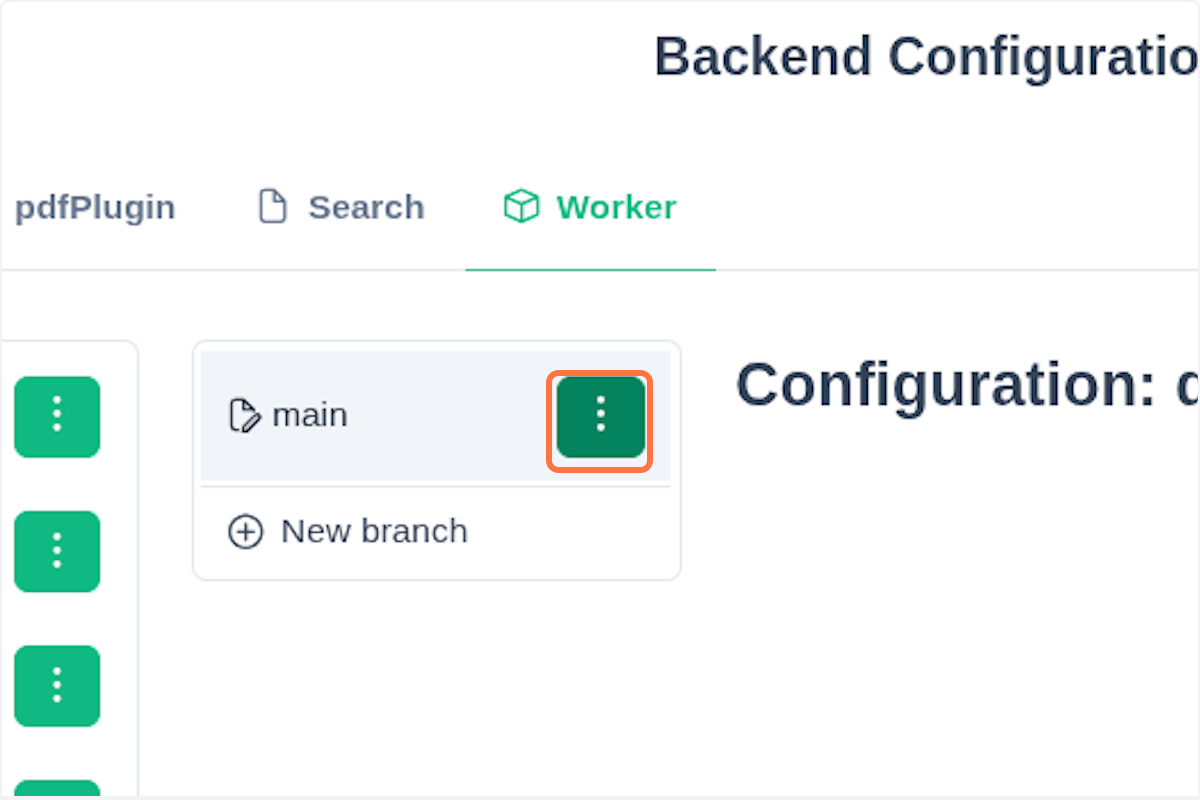
Then select a branch and click on the three vertical dots.
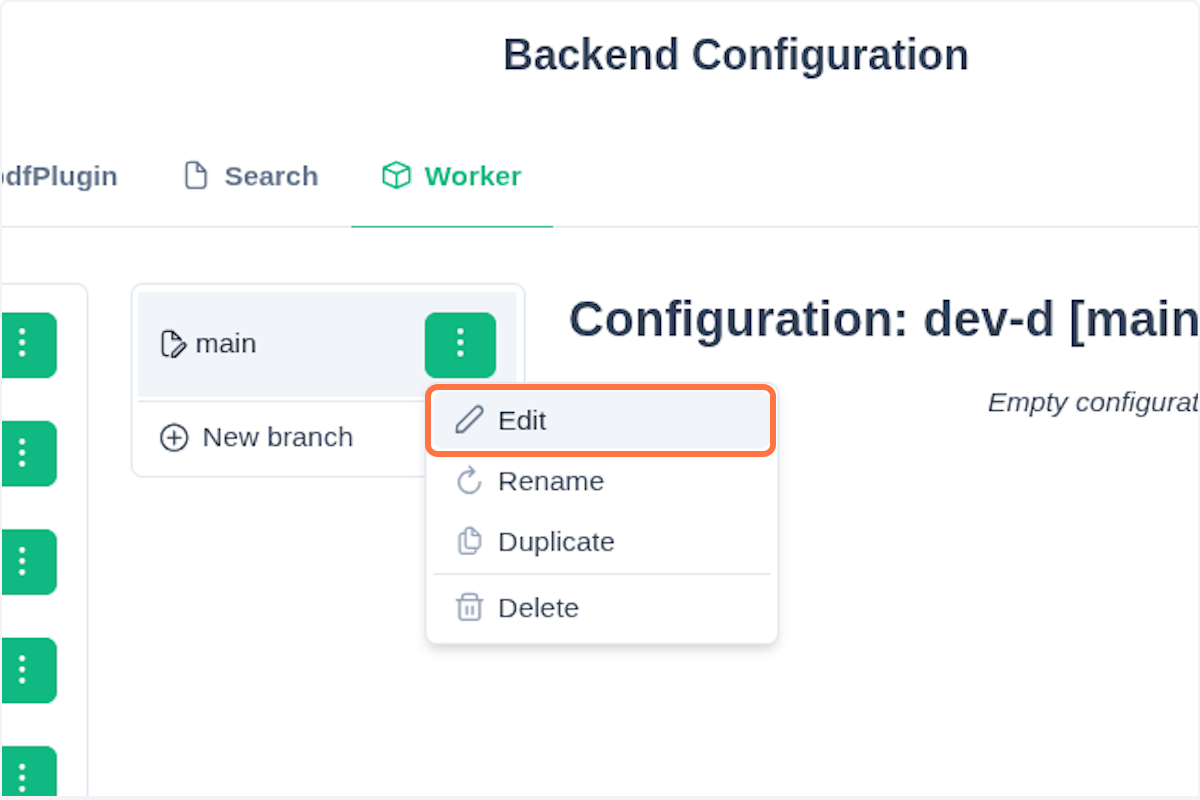
Click the Edit button.
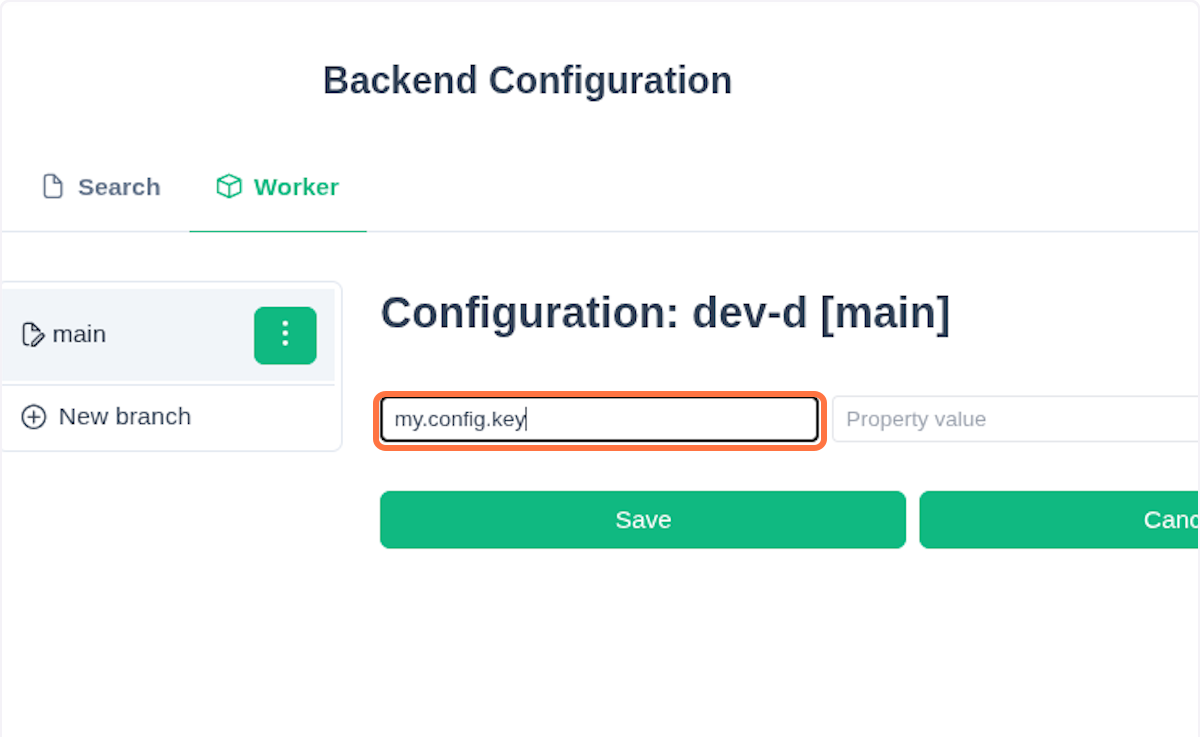
In the middle section, you can now see key-value fields. Fill in the fields as needed. For keys, use a dot . as the delimiter, for example: my.conf.key.
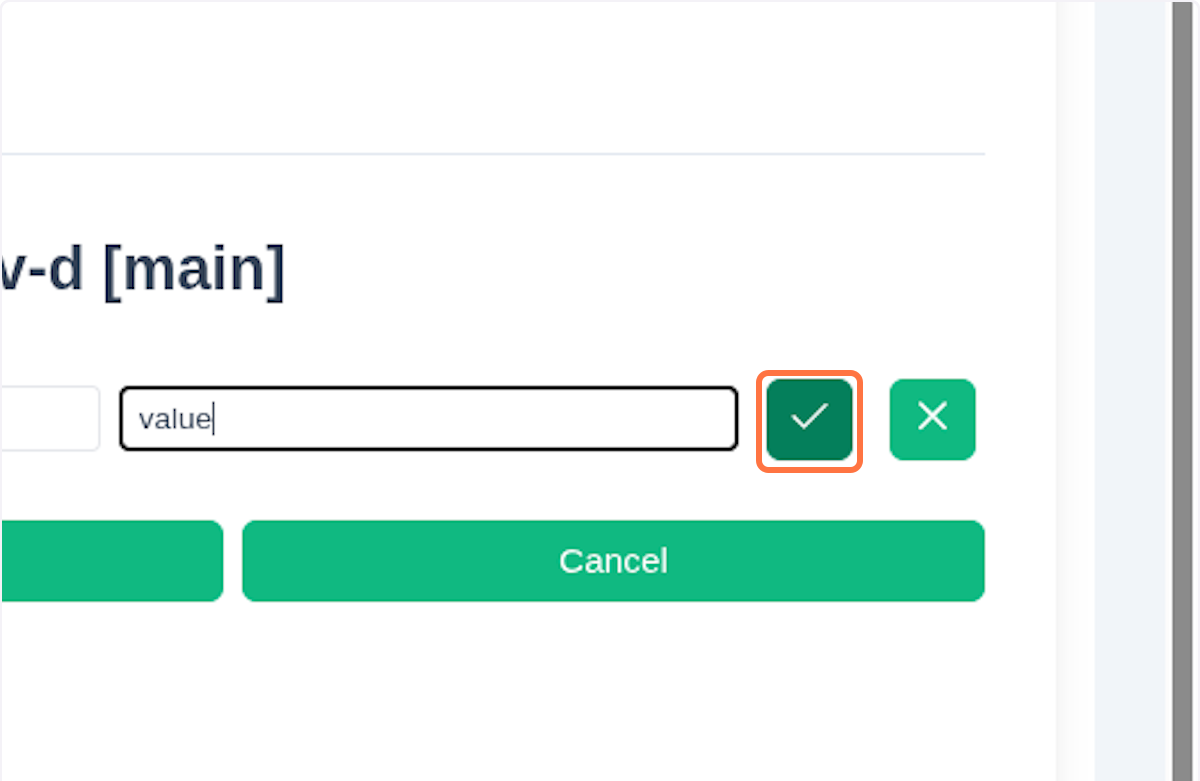
Click on the button with the check icon .
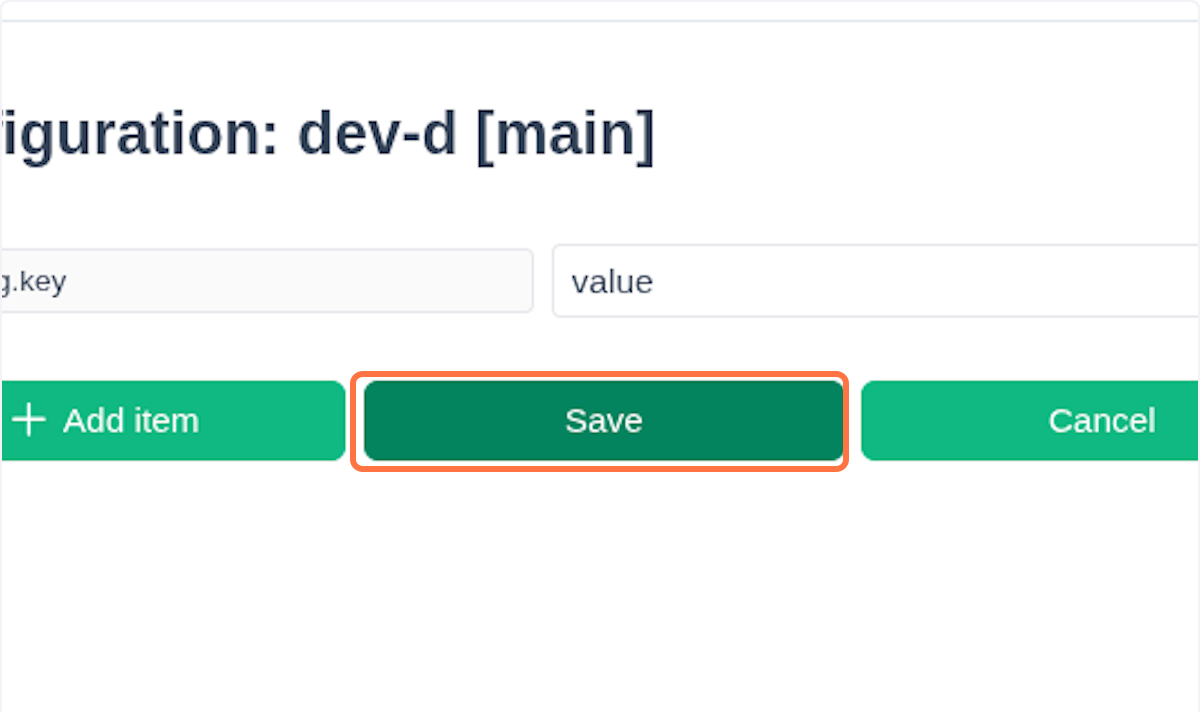
After you finish adding the properties, click on the Save button.
You can always update or remove the properties. The same applies for the branches and configurations.
NOTE
Now that you've created your configuration, you can retrieve it from the client application by calling:
<admin-node-url>/api/config/{application}/{name}/{branch}For example:
localhost:8888/api/config/worker/dev-d/mainThis corresponds to the /{application}/{profile}/{label} path described in the Spring documentation.
Frontend Configuration
Frontend configuration is a JSON file that the frontend application loads and uses during its startup process. If your fronted app (e.g., an Angular-based) needs custom routing or needs to expose a new endpoint, it can do so by calling the new configuration from the Admin node.
A great example is using netgrif-core or netgrif-component library in your frontend application. For a correct functioning of these libraries, there is a need to provide JSON configuration, typically called nae.json. The JSON contains information about auth providers, resource endpoints, etc. Before startup, you can provide a url endpoint from which nae.json will be loaded during the application bootstrapping process. The NAE Configuration Schema section contains a complete breakdown of what can be configured through the nae.json file.
You need to provide ApplicationConfiguration object:
application- specifies the name or identifier of the applicationtype- indicates the type or category of the applicationresolve_configuration- optional flag that determines whether the configuration should be resolved dynamicallygateway_url- optional URL used as the gateway endpoint for the application's communicationproperties- represent the entire application configuration that is typically located in thenae.json
💡 Tip
Example file:
{
  "application": "nae",
  "type": "default",
  "gateway_url": "http://localhost:8800/api",
  "resolve_configuration": false
}
The gateway_url property specifies the URL of the Gateway Node, through which requests are rerouted to the Admin Node. The full URL for accessing the frontend configuration, as shown in the JSON example, is:
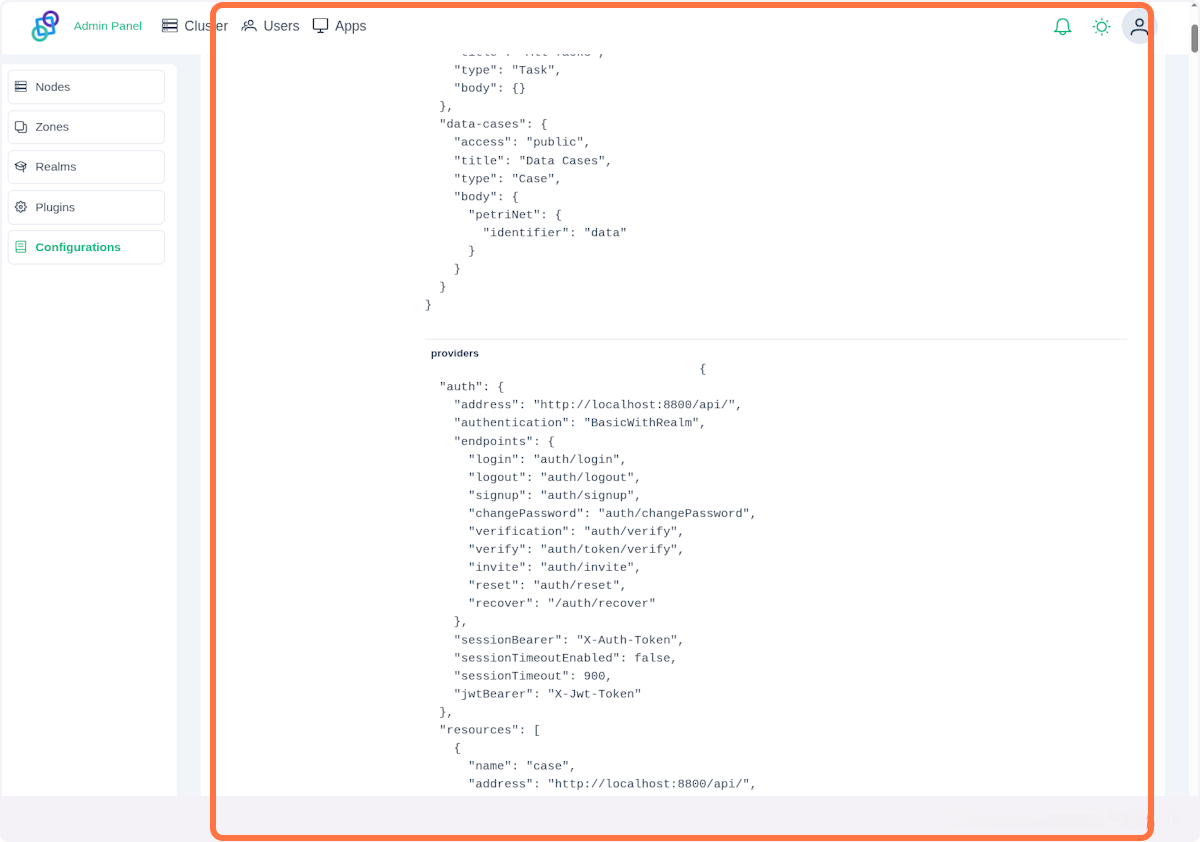
http://localhost:8800/api/frontend-config/public/nae/defaultYou can see an example nae.json file when you click Configurations -> Frontend Configurations. On the left, you can see the list of all frontend configurations. Click on default.
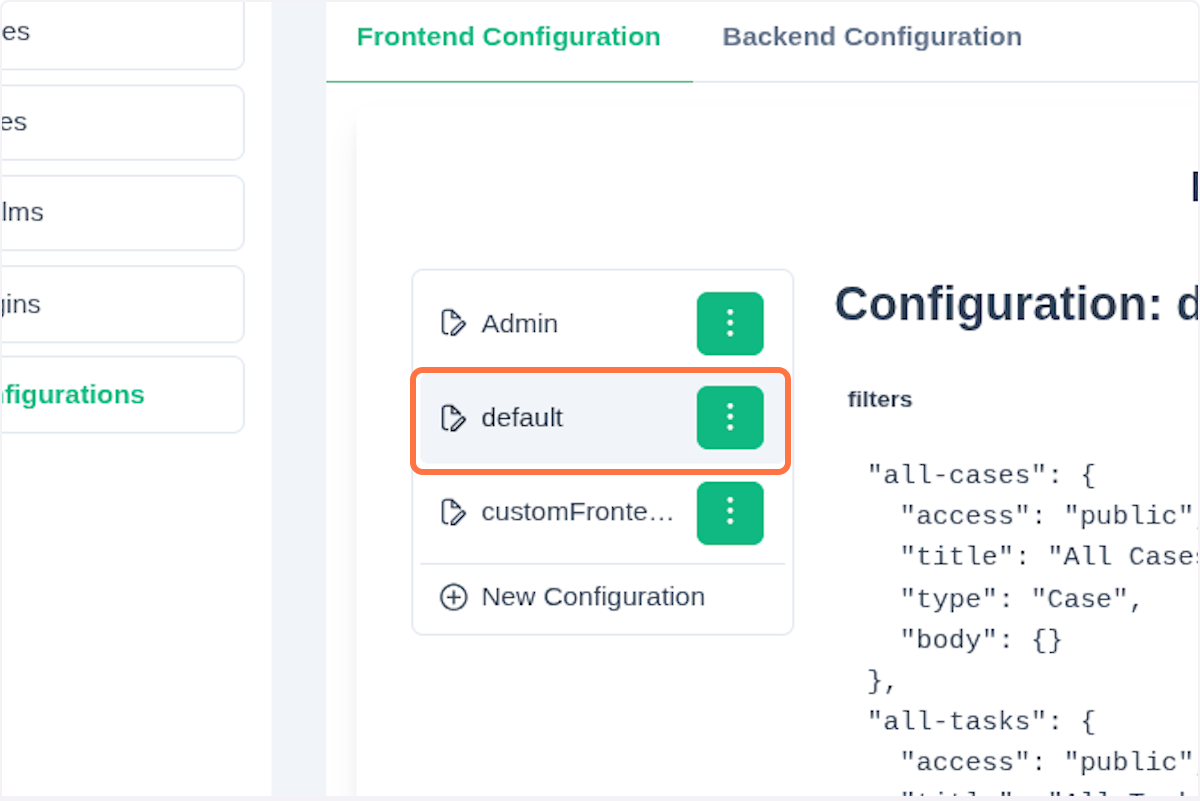
It will display a file with the entire configuration:
Create a New Frontend Configuration
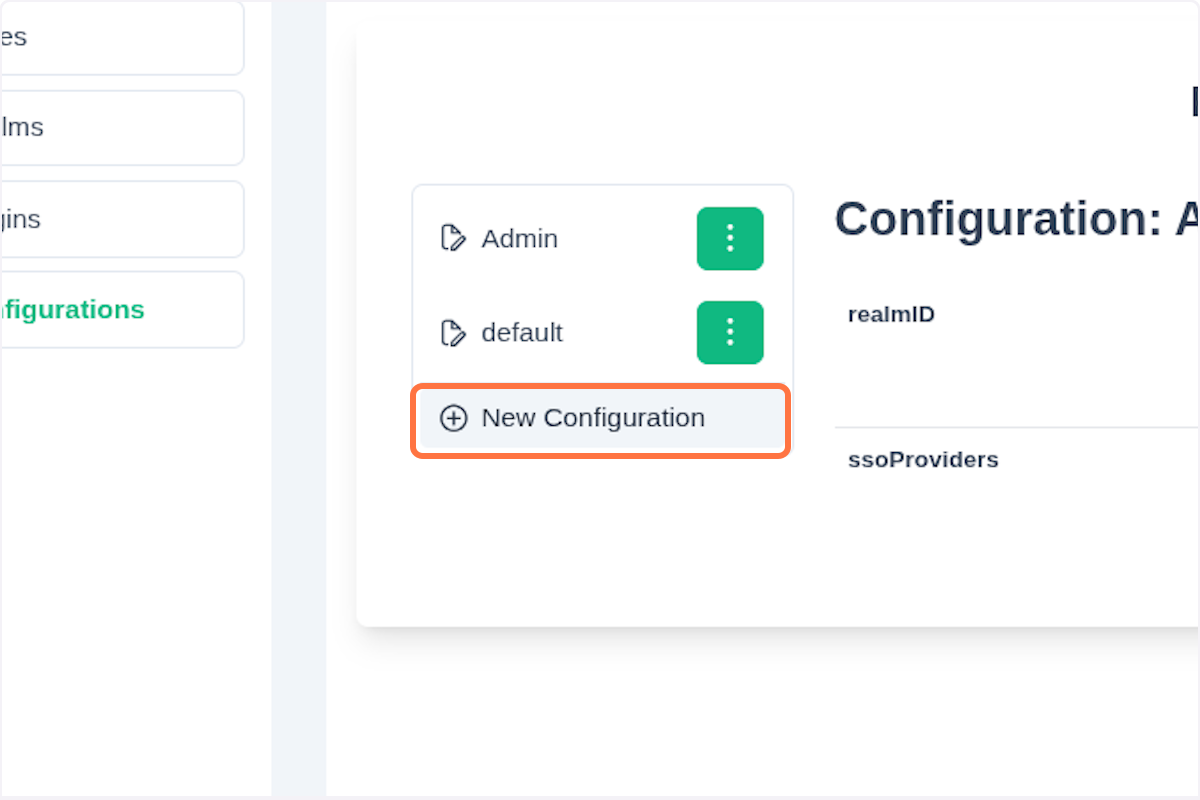
To create a new configuration, click on New Configuration.
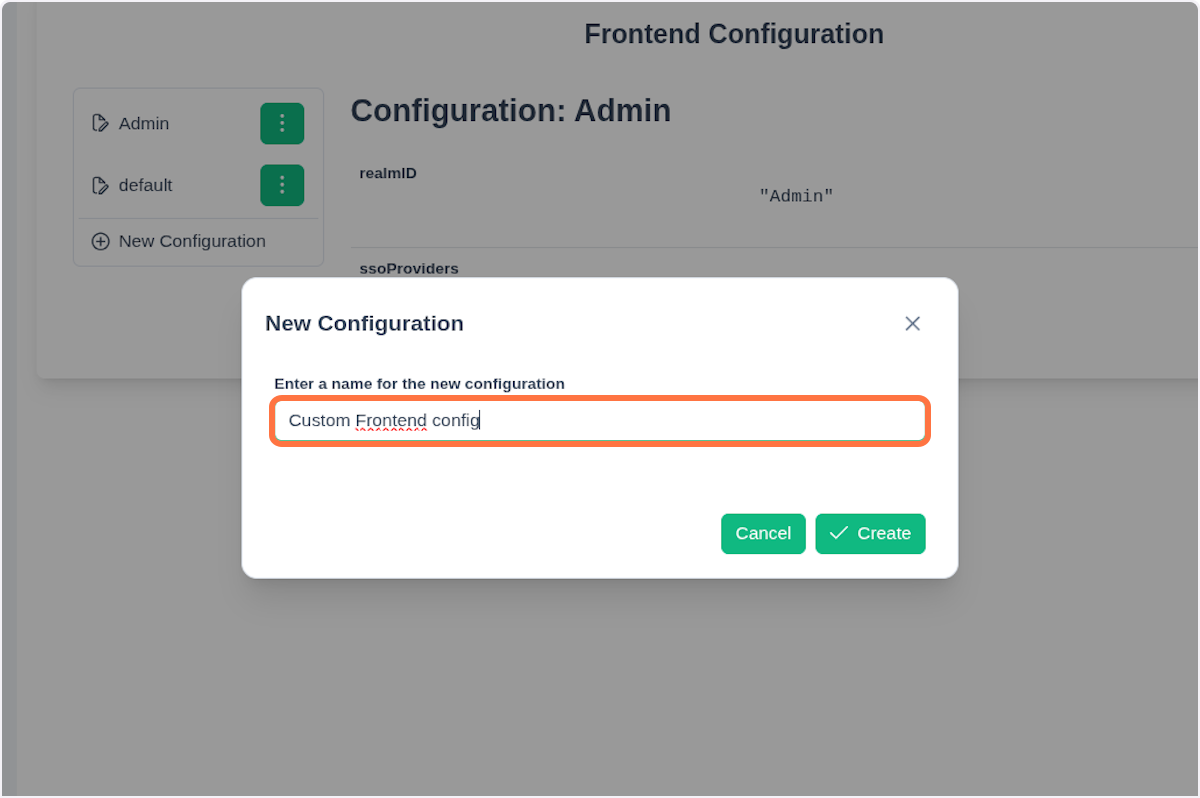
In the dialog window, fill in the name and then click Create.
Click on the three dots next to your newly created entry.
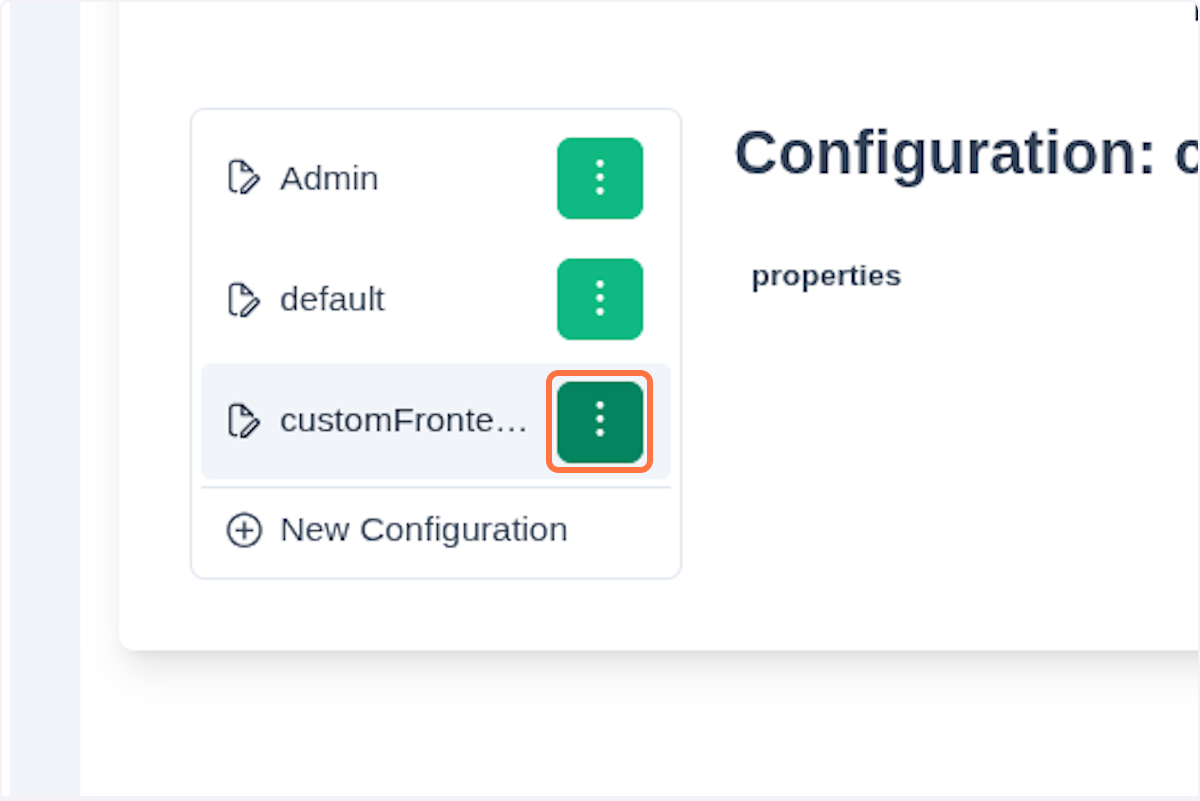
Click Edit.
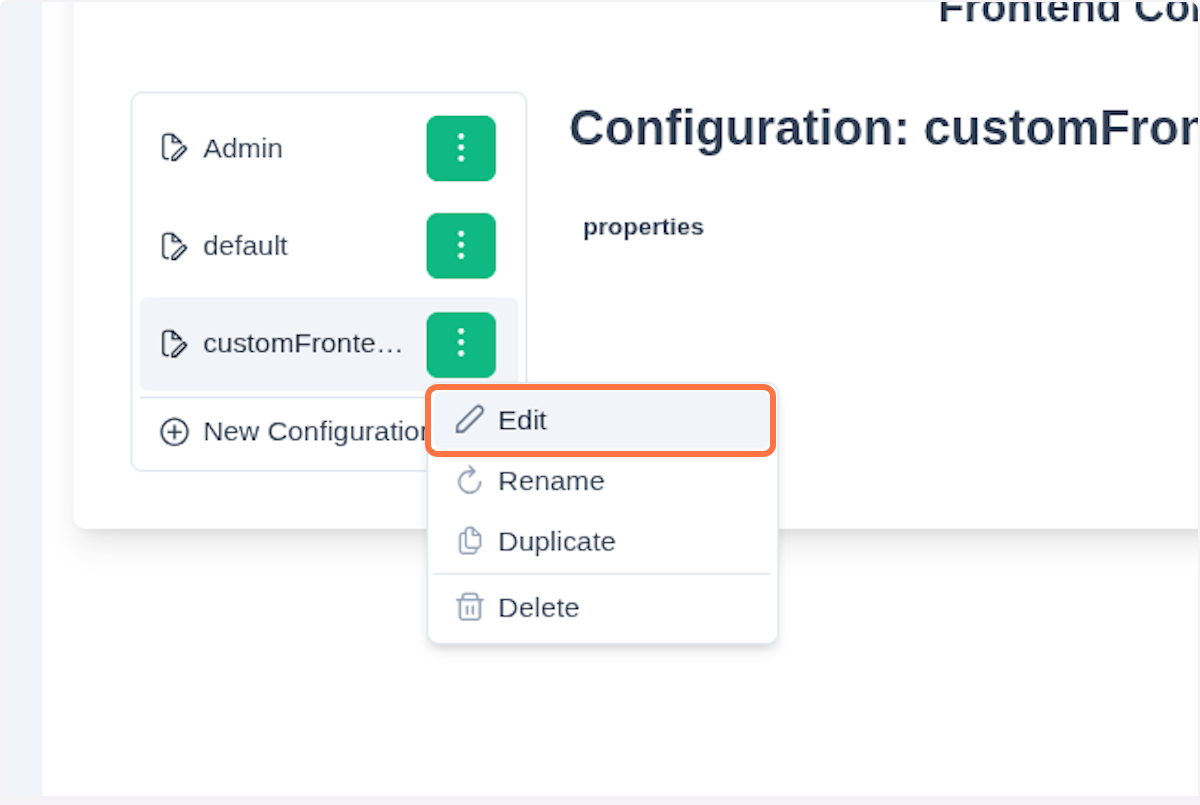
Fill in your custom properties and click Save. You can also delete or rename the configuration as needed.
If you want to duplicate the configuration, in the three-dots-section select Duplicate.
Create a configuration for SSO Provider for Admin
IMPORTANT
You need to have an SSO provider created. You can find all the necessary steps in the chapter Create New Auth Provider.
In the Frontend Configuration tab, you can see the configuration that was already created, named Admin.
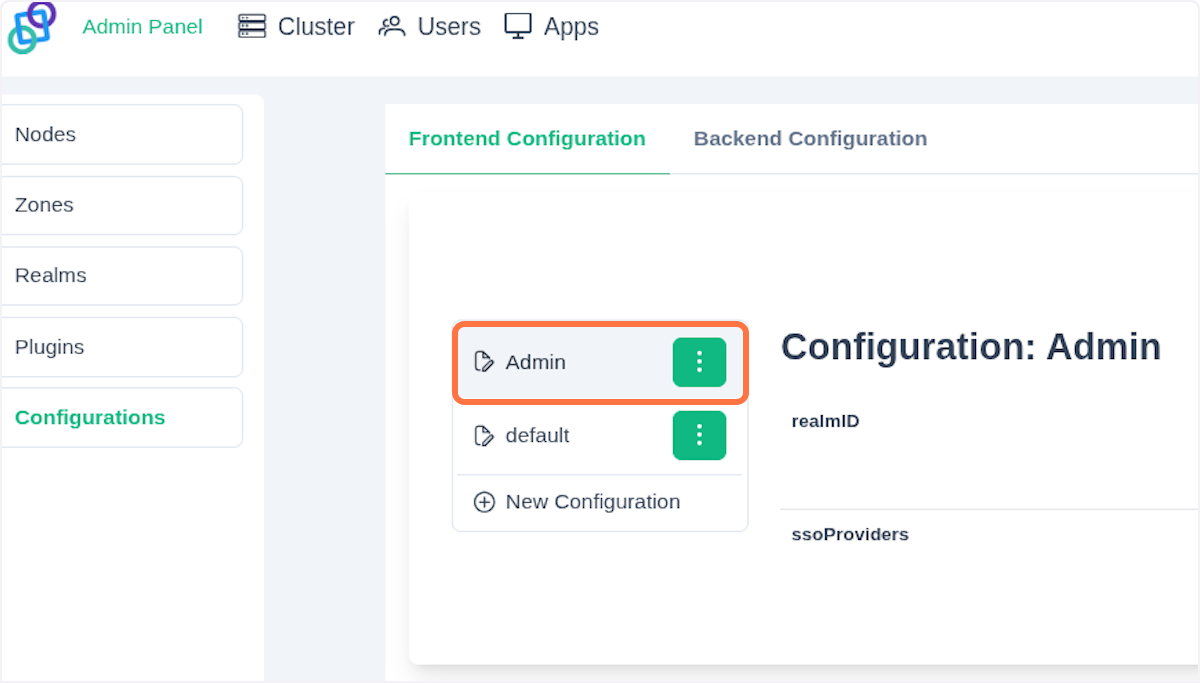
After clicking the three vertical dots, click on Edit.
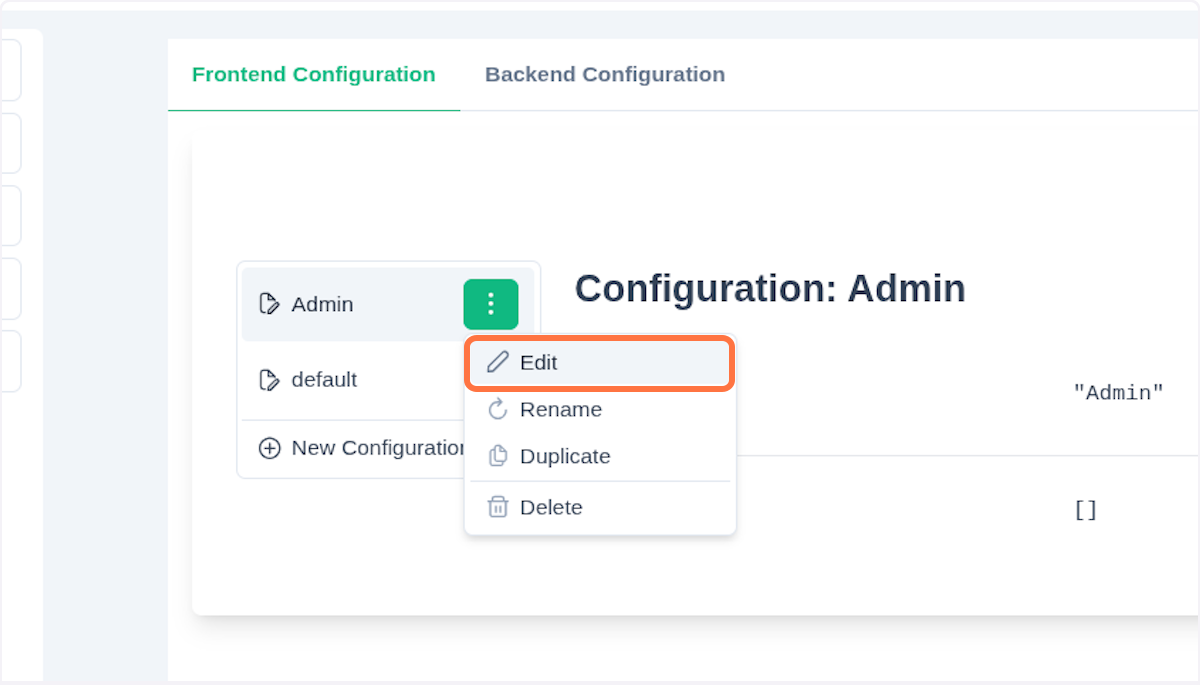
You'll see this JSON object:
{
  "realmID": "Admin",
  "ssoProviders": []
}
We are configuring SSO for the realm called Admin, which is the main controlling realm. Below is a summary table of the configurable JSON properties:
| Field | JSON Key | Description | Note |
|---|---|---|---|
| Label | label | Label for SSO button | |
| Icon | icon | PrimeNg icon | |
| ClientID | providerUrl | URL of the OIDC provider | |
| Authorization URL | authUrl | The endpoint of the OIDC provider used to initiate the authentication request | |
| Redirect URI | redirectURI | Where the user will be redirected after successful authentication | |
| Response Type | responseType | Specifies the type of response the client expects from the authorization server | Values: code, token, id_token |
| Scope | scope | Defines the set of permissions or access levels requested by the client application | Values: openid, email, profile, roles |
Your JSON configuration should look like this:
{
  "realmID": "Admin",
  "ssoProviders": [
    {
      "label": "Keycloak",
      "icon": "pi pi-key",
      "clientID": "dev-cluster-worker",
      "authUrl": "https://local.keycloak.cloud/realms/local-testing/protocol/openid-connect/auth",
      "redirectURI": "http://localhost:4000/login",
      "responseType": "code",
      "scope": "openid email profile roles"
    }
  ]
}
The table corresponds with the mapping filled in the SSO provider registration. All the data can be found in the well-known.json file. See the OpenID Connect described in the Realms chapter.
Write your configuration based on the JSON schema.
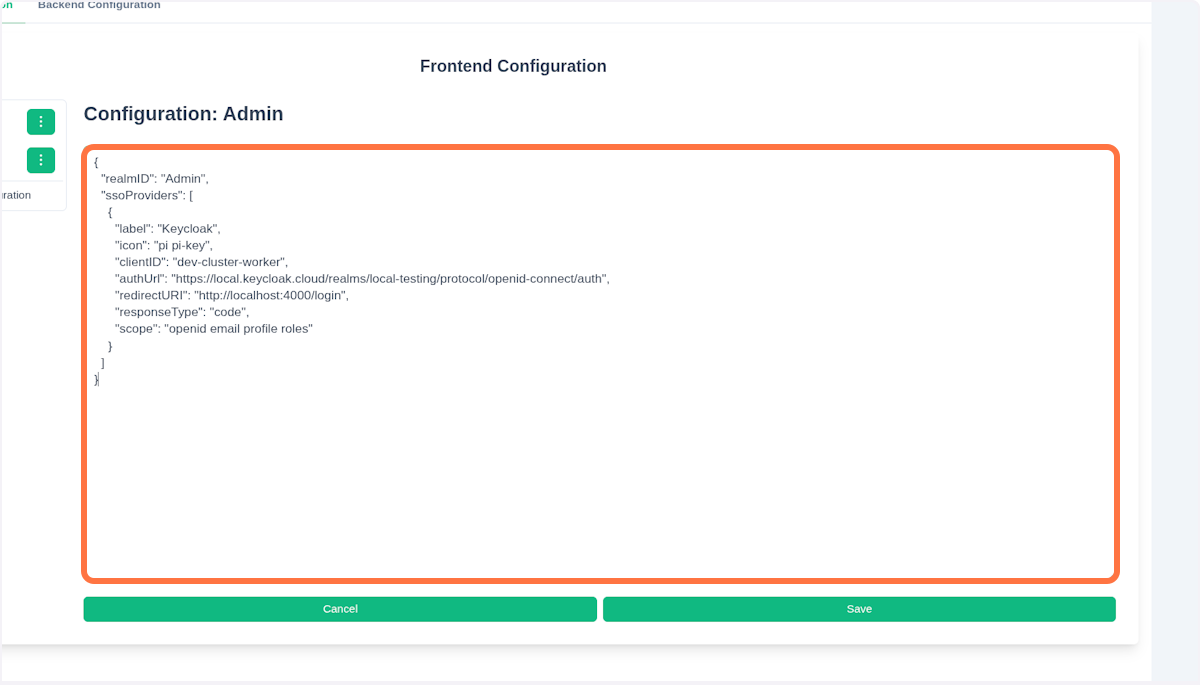
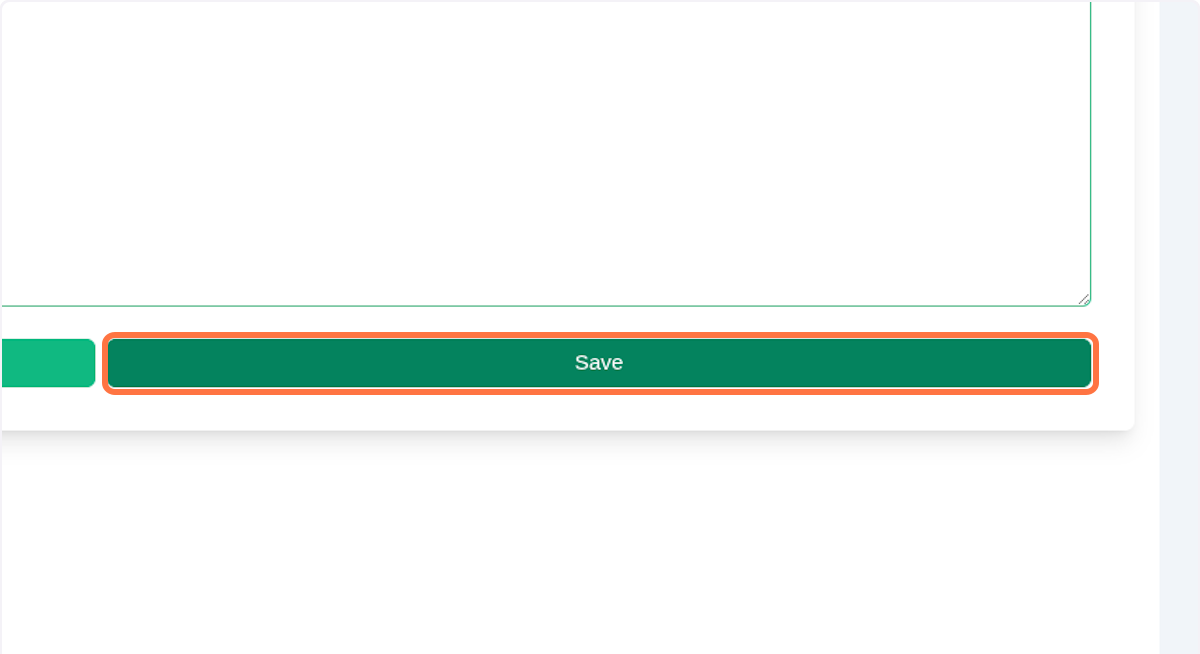
Click Save.
Now, log out from the application by clicking on the icon in the top right corner and select Logout.
On the login page, you can see a new button.
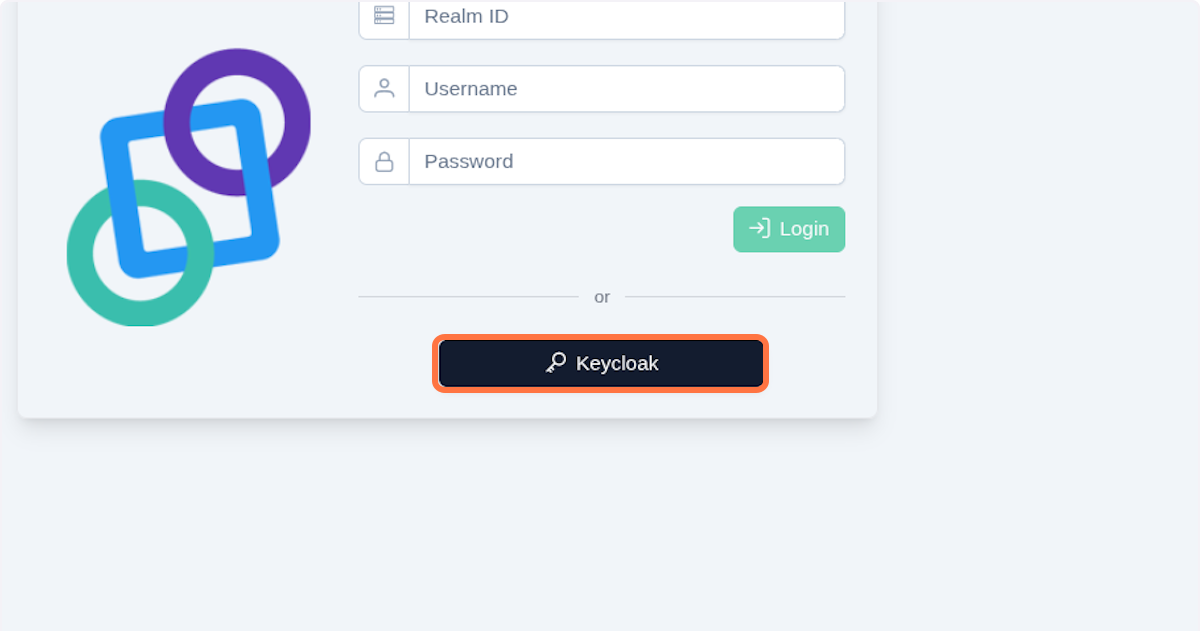
By clicking the Keycloak button, you'll be redirected to the authUrl (the authorization URL). Fill in your username or email and password, then click Sign In.
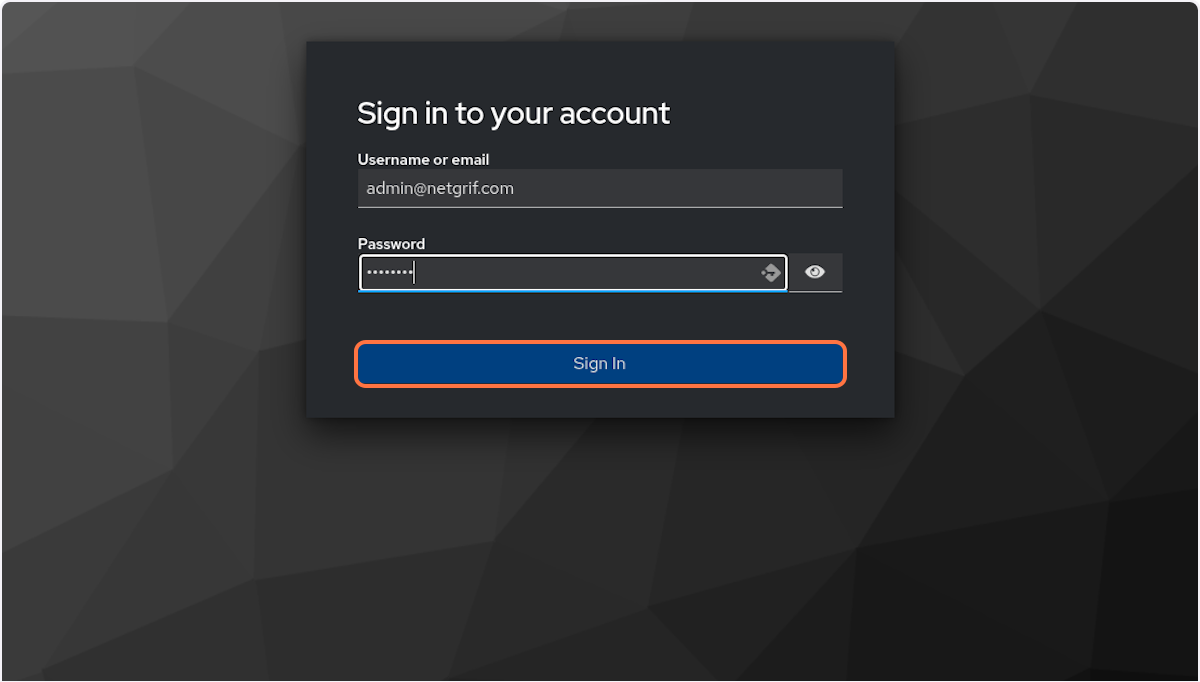
You'll be redirected back to the application, or to the value you added to the field redirectURI (the redirect URI). Now, you are successfully logged in with SSO!
NAE Configuration Schema
Schema for the NAE configuration object - nae.json. Defines filters, locales, providers, services, theme, and views.
Root Object
| Key | Type | Description |
|---|---|---|
| filters | Filters | Filter configurations |
| locales | Locales | Locale definitions |
| providers | SetAuthAndResourcesAddress | Auth & resources configuration |
| services | Services | Services configuration |
| theme | Theme | Theme configuration |
| views | Views | View definitions |
Definitions
Auth
| Key | Type | Description |
|---|---|---|
| address | string | Address of the auth service |
| authentication | string | Authentication method |
| endpoints | object or string | Endpoints (key-value pairs or string) |
| sessionBearer | string | Session bearer token |
| sessionTimeoutEnabled | boolean (default: false) | Enable session timeout |
| sessionTimeout | number (default: 900) | Timeout in seconds |
CaseLayout
| Key | Type | Description |
|---|---|---|
| name | string (enum: caseView) | Layout type |
| params | object | Custom parameters |
ConfigFilter
| Key | Type | Description |
|---|---|---|
| access | string | Access level |
| mergeOperator | string (enum: AND, OR) | Query operator |
| query | object or array | Query definition |
| title | string | Filter title |
| type | string (enum: Case, Task) | Filter type |
Filters
| Key | Type | Description |
|---|---|---|
| (any key) | ConfigFilter | Filter definitions |
Locales
| Key | Type | Description |
|---|---|---|
| (any key) | string | Locale string |
Resource
| Key | Type | Description |
|---|---|---|
| address | string | Resource address |
| format | string | Resource format |
| name | string | Resource name |
| openApi | string | OpenAPI definition |
Resources
| Type | Description |
|---|---|
| Resource or array | One or more resources |
Services
| Key | Type | Description |
|---|---|---|
| auth | object | Auth service configuration |
| dataFields | object | Data field config |
| log | object | Logging configuration |
| routing | object | Routing configuration |
Auth Sub-keys
| Key | Type | Description |
|---|---|---|
| logoutRedirect | string | Redirect after logout |
| loginRedirect | string | Redirect after login |
| onLogoutRedirect | string | Custom logout redirect |
| toLoginRedirect | string | Redirect to login |
| onLoginRedirect | string | Custom login redirect |
DataFields Sub-keys
| Key | Type | Description |
|---|---|---|
| appearance | string | Appearance style |
| template | string | Template name |
Log Sub-keys
| Key | Type | Description |
|---|---|---|
| includeLogLevel | boolean | Include log level |
| level | string | Logging level |
| logWithDate | boolean | Add timestamp |
| publishers | array | Log publishers |
| serializeParams | boolean | Serialize params |
Routing Sub-keys
| Key | Type | Description |
|---|---|---|
| defaultRedirect | string | Default redirect |
| wildcardRedirect | string | Fallback redirect |
SetAuthAndResourcesAddress
| Key | Type | Description |
|---|---|---|
| auth | Auth | Authentication configuration |
| resources | Resource or array | NAE frontend configuration schema |
TaskLayout
| Key | Type | Description |
|---|---|---|
| name | string (enum: taskView) | Layout type |
| params | object | Custom parameters |
Theme
| Key | Type | Description |
|---|---|---|
| name | string | Theme name |
| pallets | object | Theme palettes (dark/light) |
- Palette Structure
- primary, secondary, warn (string or object)
- Shades: 50, 100, 200, 300, 400, 500, 600, 700, 800, 900
- contrast (object) – contrast colors
- dark (array of strings)
- light (array of strings)
View
| Key | Type | Description |
|---|---|---|
| access | string or object | View access (public, private, or object) |
| children | Views | Child views |
| component | object | Custom component definition |
| layout | object | Layout definition |
| navigation | object or boolean | Navigation config |
| routing | object | Routing config |
Component Sub-keys
| Key | Type | Description |
|---|---|---|
| class | string | Component class name |
| from | string | Component source |
Layout Sub-keys
| Key | Type | Description |
|---|---|---|
| componentName | string | Override autogenerated component name |
| name | string | Layout name |
| enableCaseTitle | boolean | Enable case title |
| isCaseTitleRequired | boolean | Require case title |
| showDeleteMenu | boolean | Show delete menu |
| confirmWorkflowDeletion | boolean | Confirm workflow deletion |
| params | object | Layout params (e.g. orientation) |
Navigation Sub-keys
| Key | Type | Description |
|---|---|---|
| icon | string | Navigation icon |
| title | string | Navigation title |
Routing Sub-keys
| Key | Type | Description |
|---|---|---|
| match | boolean | Match condition |
| path | string | Route path |
Views
| Key | Type | Description |
|---|---|---|
| (any key) | View | View definition |