
Petriflow 101 - Part 2
First Deployment (Upload) in eTask - Hybrid Layout
💡 What you'll do
Export your Request model from Builder, upload to eTask, submit via public link, and verify as a logged‑in user.
Overview
Goal & Context
This part shows how to move your process from Builder to eTask and test it as a real running workflow.
You’ll see how deployment, public access, and user verification fit together.
You will:
- Export the
request.xmlmodel you built in Part 1 - Upload it to eTask → Process Models
- Access the public submission link
- Observe the submitted case as both an anonymous and logged-in user
Step-by-Step Flow
Deployment Steps
| Step | Action | Purpose |
|---|---|---|
| 1️⃣ | Export model (request.xml) from Builder | Generate deployable process definition |
| 2️⃣ | Register / Login to eTask | Access the process management dashboard |
| 3️⃣ | Upload model to Process Models | Deploy the PetriFlow XML into the eTask runtime |
| 4️⃣ | Open Public Link | Submit the form anonymously |
| 5️⃣ | Verify in Cases / Tasks | Check visibility and status as a logged-in user |
NOTE
Public submissions create anonymous cases; logged-in users can later monitor them in the Cases and Tasks views.
Why It Matters
- Validates the Builder → eTask integration pipeline
- Demonstrates how public (anonymous) access compares to authenticated interaction
- Establishes your baseline deployment before adding rules, roles, and versioning in later steps
NOTE
After this part, you’ll have your first live workflow - visible, testable, and ready for iteration.
Video
Watch the “First Deployment (Upload) in eTask” segment (12:40–21:33).
Pictures of steps
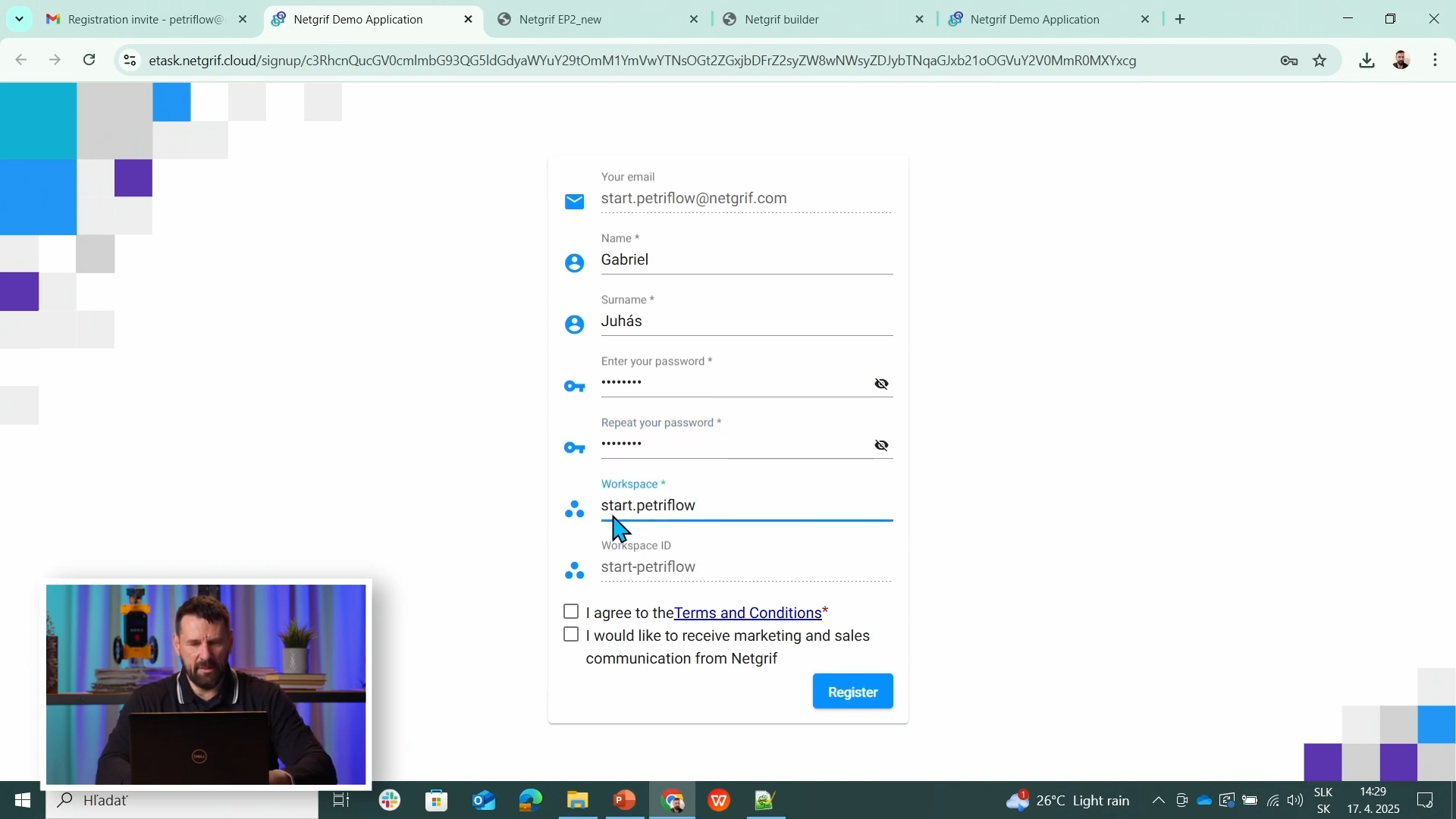
1️⃣ Register & Login
Create an account and sign in to eTask.
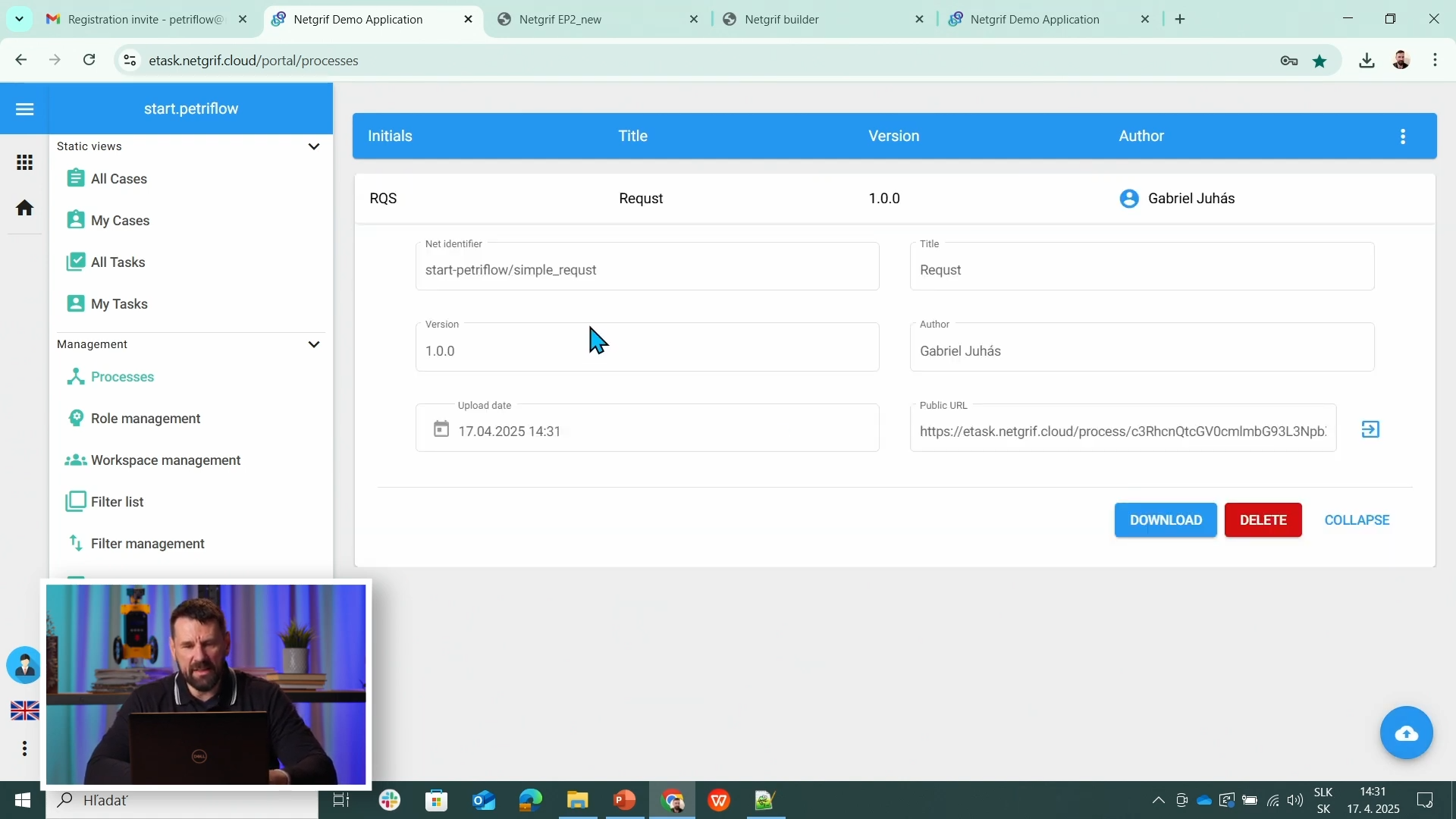
2️⃣ Uploaded Model
Process appears in Process Models after upload.
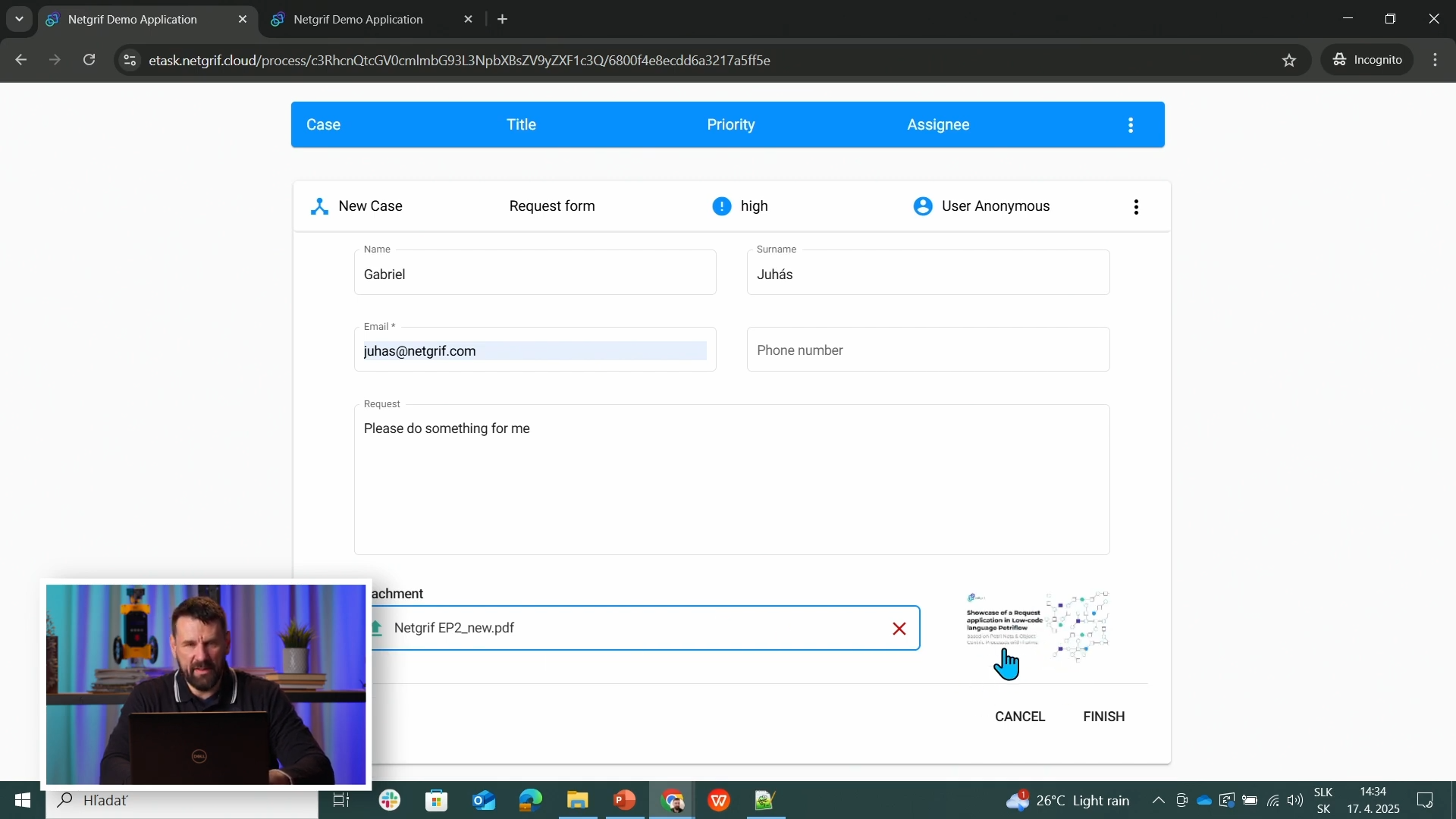
3️⃣ Public Form
Open via Public link and submit anonymously.
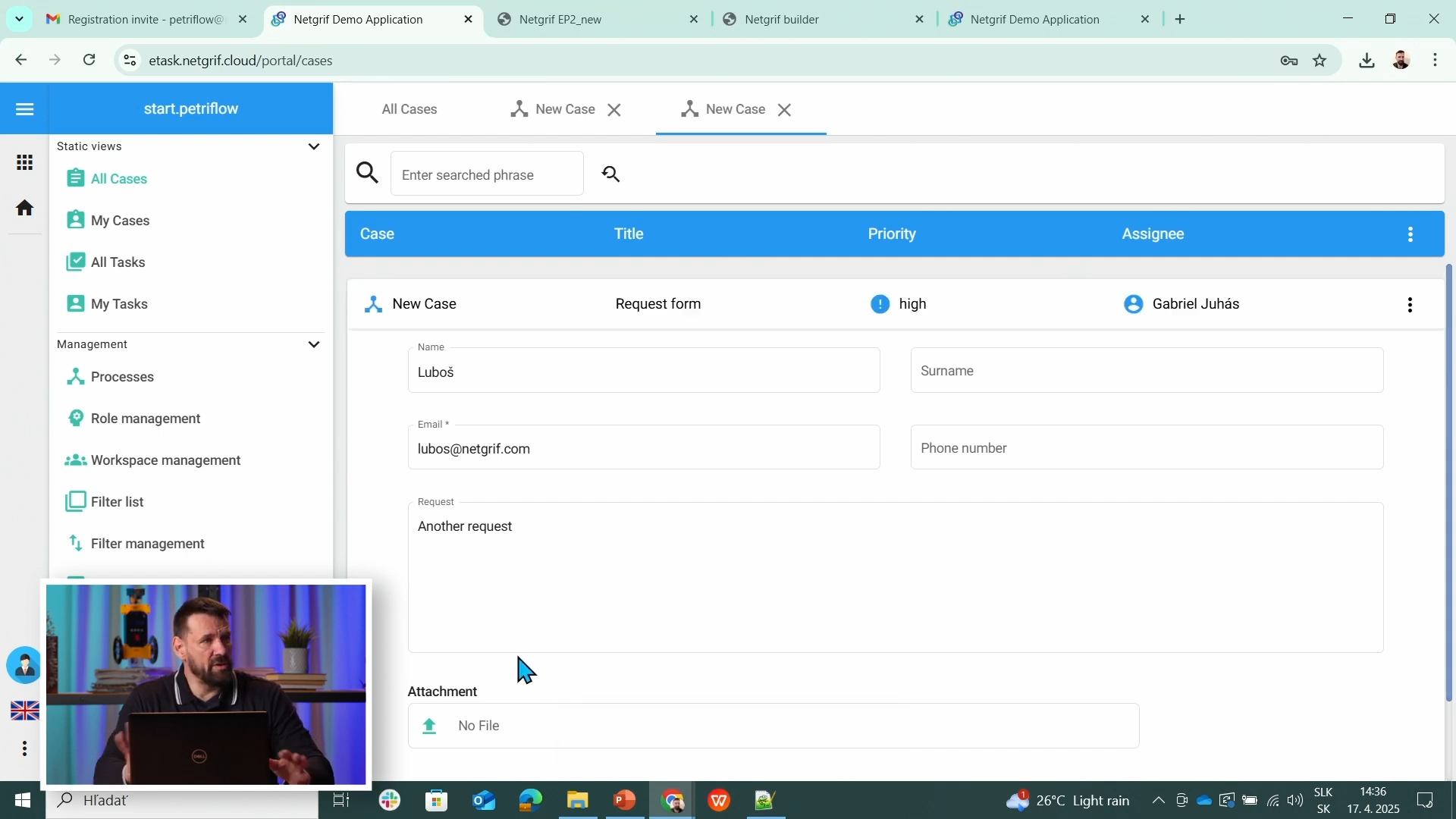
4️⃣ Logged‑in Verification
See the submitted case in Cases or Tasks.
Source & Notes
You can find the process on the Builder source (Part 2)
IMPORTANT
Old cases stay on the previous version; new cases run the latest deployed model.
Summary
You completed your first deployment to eTask and validated both public and logged‑in flows.